PhotoGridCollage
Free online photo grid and collage maker for everyone.
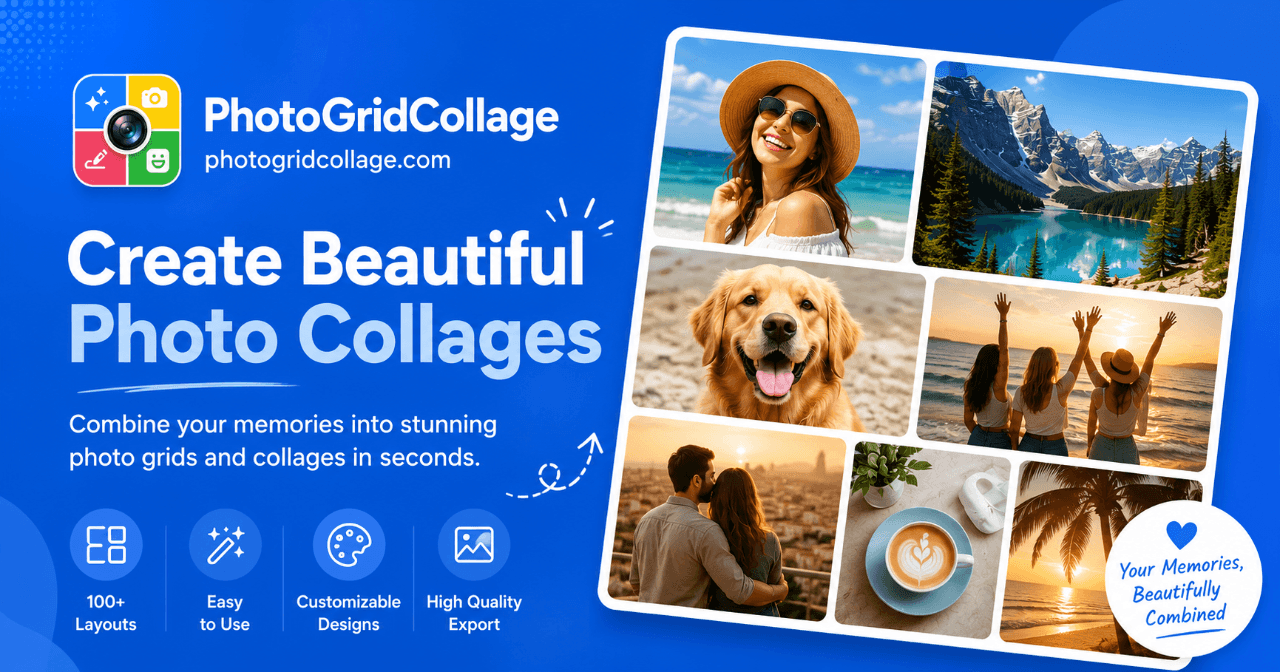
Easy photo uploads and arrangements
High-resolution downloads without watermarks
Supports various image formats like JPG, PNG, WebP
No account creation necessary
Customizable collage templates
- Create marketing materials for social media
- Design photography portfolios
- Generate content for e-commerce product listings
- Split images for Instagram grids and carousels
- Produce personal collages for events or memories
- 1Upload your photos directly into the editor.
- 2Arrange your photos by repositioning them and setting the desired background.
- 3Download the finished collage or export numbered tiles for Instagram.
Is the photo grid maker free?
Yes. You can open the core editor, arrange your photos, and export a finished grid without creating an account or adding a payment method.
Do I need to create an account or install an app?
No. PhotoGridCollage runs in a modern browser, so you can start with your own photos without installing desktop or mobile software.
Will my exported collage have a watermark?
No. The core photo-grid export does not add a PhotoGridCollage watermark to your finished image.
Which image formats can I upload?
The editor supports common web image formats including JPG, PNG, and WebP.
Can I split an image for an Instagram grid or carousel?
Yes. Use the Instagram image splitter to cut one image into grid tiles or carousel slides and download the numbered files.

Related Tools
More active tools in Design.
Compress Jpeg
Free online tool to compress JPEG images. Reduce image size without losing quality. Perfect for sharing photos online.

All SVG Icons
Browse and download 250,000+ free SVG icons for your projects that are free to use and customizable. Copy Raw SVG code or download as PNG, SVG, JSX or Base64 formats. Alternative of Flaticon, Iconmonstr, SVG Repo.

pngtocur
Convert PNG to Windows cursor files instantly. Free tool to create custom .cur & .ani cursors. Upload, preview & download - no software needed.

Editaimg
Editaimg helps you edit images with AI: remove backgrounds, edit text on images, upscale resolution, retouch faces, and export in popular formats.