Editaimg
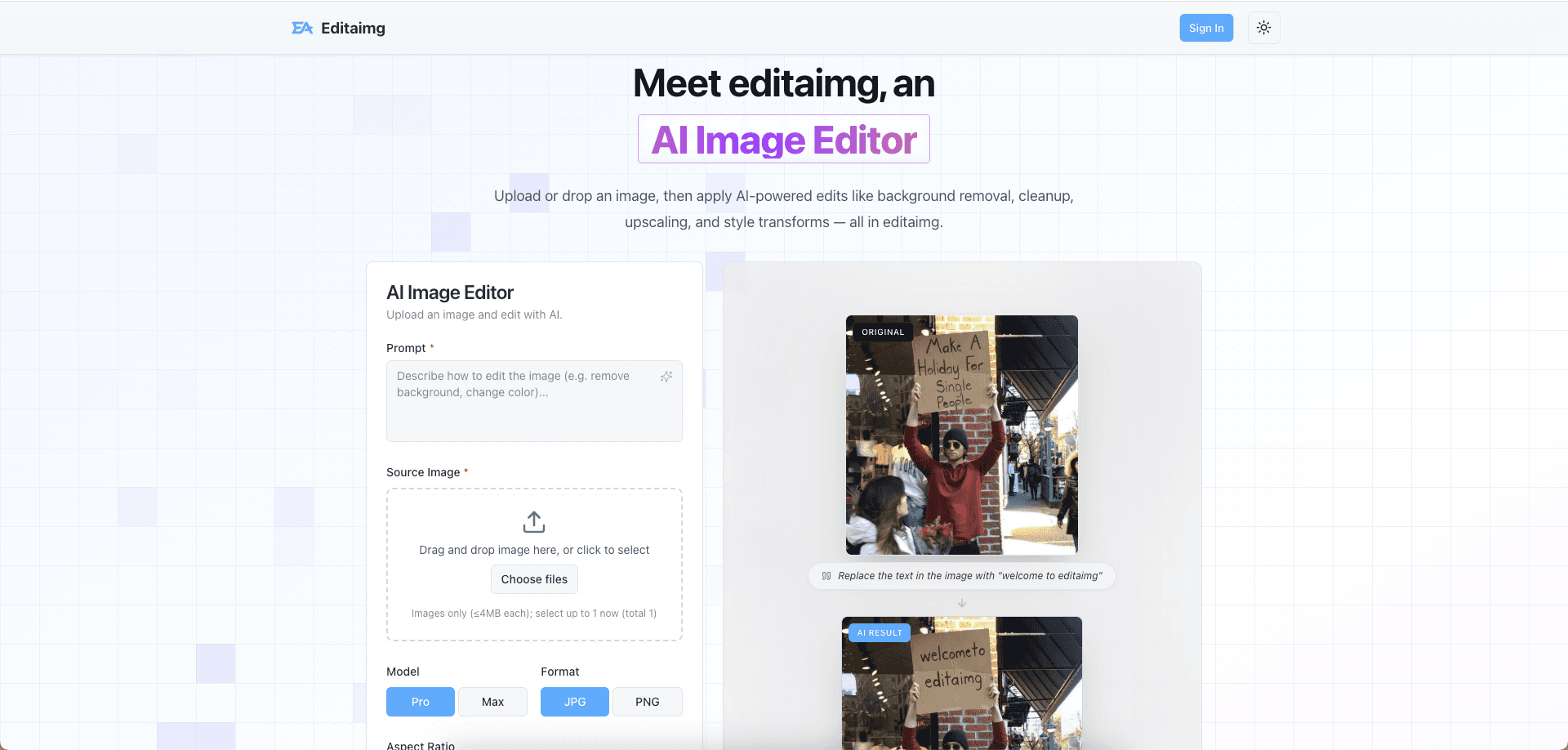
Editaimg helps you edit images with AI: remove backgrounds, edit text on images, upscale resolution, retouch faces, and export in popular formats.
Designpaid
- All time
- — views
- — clicks
- Last 30 days
- — views
- — clicks
Loading activity…
What is Editaimg?
Editaimg helps you edit images with AI: remove backgrounds, edit text on images, upscale resolution, retouch faces, and export in popular formats.
Key Features
AI Image Editor
More Practical Features of AI Image Editor
Edit, enhance, and transform images with AI Image Editor
What Can Our AI Image Editor Do for You?
How to Use Editaimg to edit your photos
Use Cases
- Evaluate Editaimg for design workflows
- Use Editaimg for the main workflow described on the official website
- Compare Editaimg with similar design products before choosing a workflow
How to Use Editaimg
- 1Open the official Editaimg website.
- 2Review the homepage details, examples, or onboarding flow to confirm it fits your task.
- 3Start with the main web app workflow and provide the required input or setup information.
- 4Check the output or result, then adjust settings based on your use case.
Best For
DesignersCreative teamsMakers needing visual tools
FAQ
What is Editaimg?
Editaimg helps you edit images with AI: remove backgrounds, edit text on images, upscale resolution, retouch faces, and export in popular formats.
How do I start using Editaimg?
Visit the official website, review the available workflow, and start from the main web app experience.
Tags
Quick Info

Related Tools
More active tools in Design.