
Video to Text
Effortlessly transcribe video and audio to text in multiple languages.
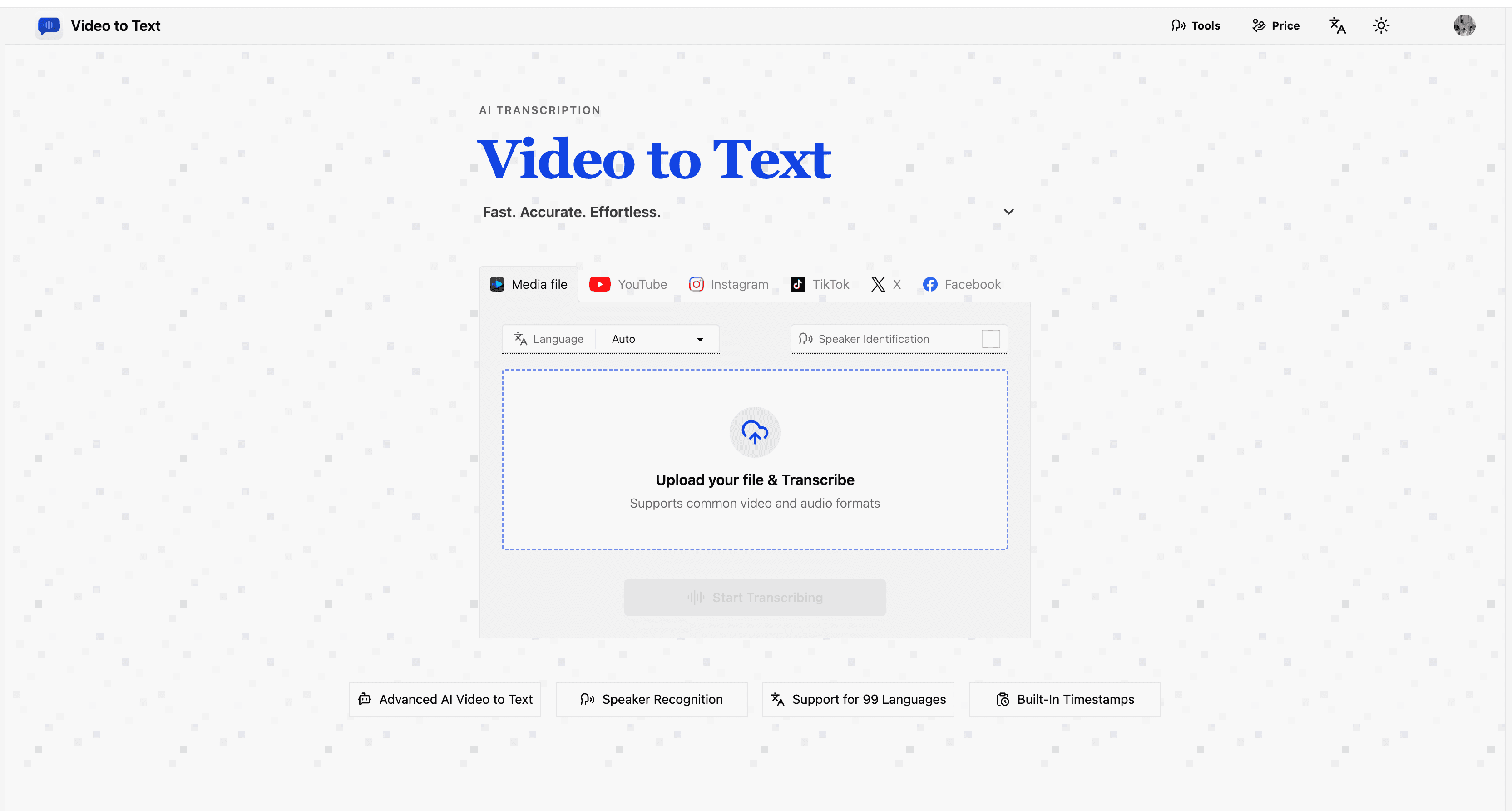
Supports 99 languages for transcription
Speaker diarization to identify speakers
Timestamped transcripts for easy navigation
Export options: TXT, SRT, VTT, CSV
Simple upload and export workflow
- Transcribing podcasts for accessibility
- Creating subtitles for YouTube videos
- Documenting meeting notes for easy reference
- Generating transcripts for interviews
- Converting social media video content to text
- 1Upload your video or audio file
- 2Allow the AI to process and transcribe it
- 3Download the transcript in your preferred format
What file formats does Video to Text support?
Video to Text supports formats such as MP4, MOV, MKV for video and MP3, WAV for audio.
Is there a limit to the number of free transcriptions?
New users receive 30 credits to use for free transcriptions.
Can I transcribe videos from social media platforms?
Yes, you can paste links from platforms like YouTube and TikTok for transcription.
Does the service provide subtitle-ready transcripts?
Yes, transcripts can be exported in SRT and VTT formats for subtitles.
How accurate are the transcriptions?
Transcriptions are generally accurate but can vary based on audio quality and accents.

Related Tools
More active tools in Productivity.

RemoveMark
DealFree online tool to remove watermarks from Sora videos instantly. Works without downloads. Remove sora 2 watermark with the best video tool available.

SpeedyShare
Upload a file, share the QR code or 6-digit link — done in seconds. No account, no app. Files auto-delete after 30 minutes. iPhone, Android, Mac, Windows.

SpeedyShare - Easy, free file sharing
Upload a file, share the QR code or 6-digit link — done in seconds. No account, no app. Files auto-delete after 30 minutes. iPhone, Android, Mac, Windows.

keywordranker
Dealkeywordranker is a keyword research tool centered on a free KGR calculator. It helps SEO users analyze long-tail keywords, estimate low-competition opportunities, and understand Keyword Golden Ratio strategy with supporting SEO metrics.