
Veo 4
Veo is a free AI video generator with Veo 4, 3 text-to-video, image-to-video, multi-angle camera shots, and synced audio output.
- All time
- — views
- — clicks
- Last 30 days
- — views
- — clicks
Loading activity…
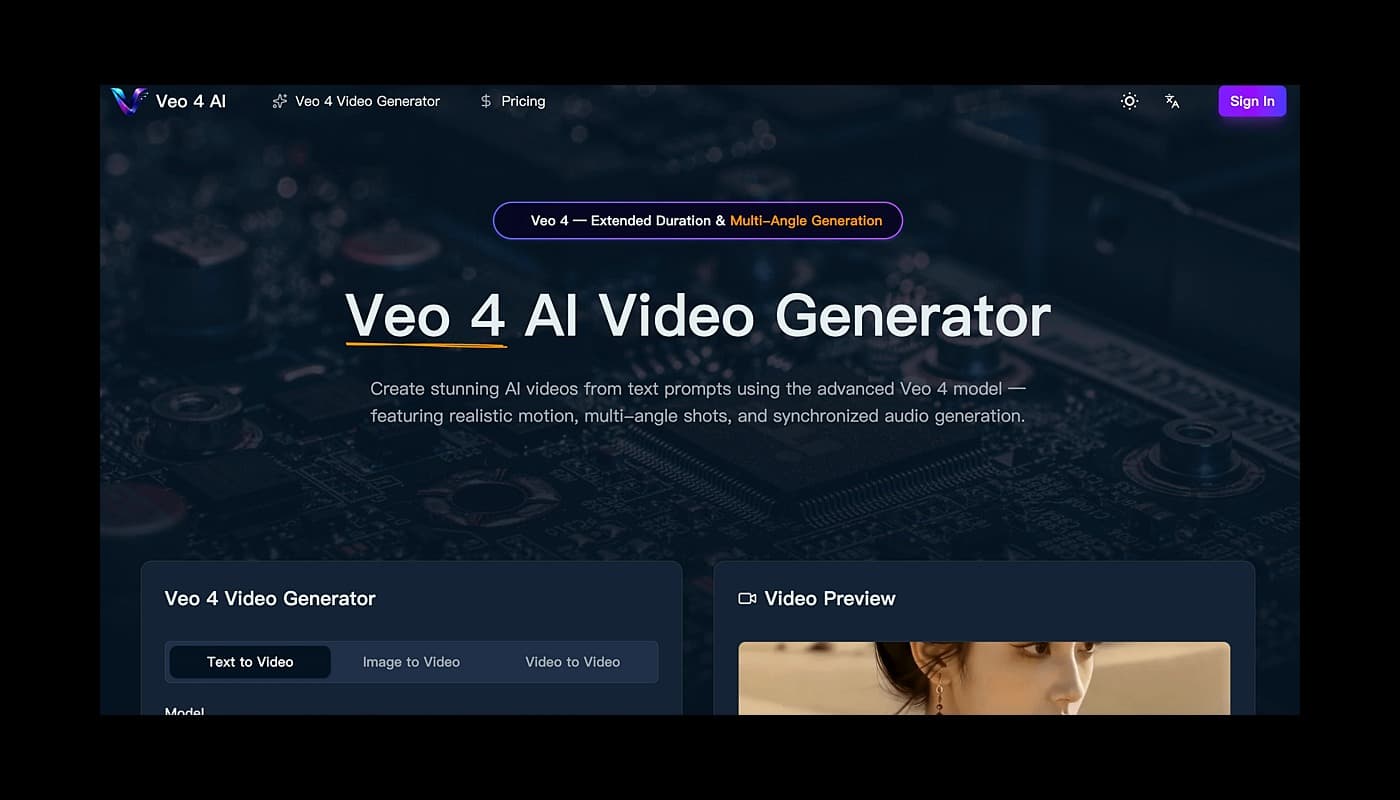
Veo 4 Video Generator
How Veo 4, 3.1, 3 & 2 AI Compares
Veo 4 AI Video Gallery
What Is Veo 4 AI?
Why Creators Choose Veo 4 AI
- Evaluate Veo 4 for productivity workflows
- Use Veo 4 for the main workflow described on the official website
- Compare Veo 4 with similar productivity products before choosing a workflow
- 1Open the official Veo 4 website.
- 2Review the homepage details, examples, or onboarding flow to confirm it fits your task.
- 3Start with the main web app workflow and provide the required input or setup information.
- 4Check the output or result, then adjust settings based on your use case.
What is Veo 4?
Veo is a free AI video generator with Veo 4, 3 text-to-video, image-to-video, multi-angle camera shots, and synced audio output.
How do I start using Veo 4?
Visit the official website, review the available workflow, and start from the main web app experience.
Is Veo 4 free?
The official website includes free-related wording, but you should check the current pricing page before deciding.

Related Tools
More active tools in Productivity.
Seedance 3 AI
Seedance 3.0 is a free AI video generator for creating 4K cinematic videos from text and images with multi-shot narrative, native audio sync, and character consistency.

Ltx-2.3
LTX 2.3 is an AI video generator offering text-to-video, image-to-video, and audio-to-video creation with the open-source LTX model online.
Ltx2.3
LTX 2.3 is an AI video generator offering text-to-video, image-to-video, and audio-to-video creation with the open-source LTX model online.