Transpic
Free online image translator that preserves layout and context.
AI Toolsfreemium
- All time
- — views
- — clicks
- Last 30 days
- — views
- — clicks
Loading activity…
What is Transpic?
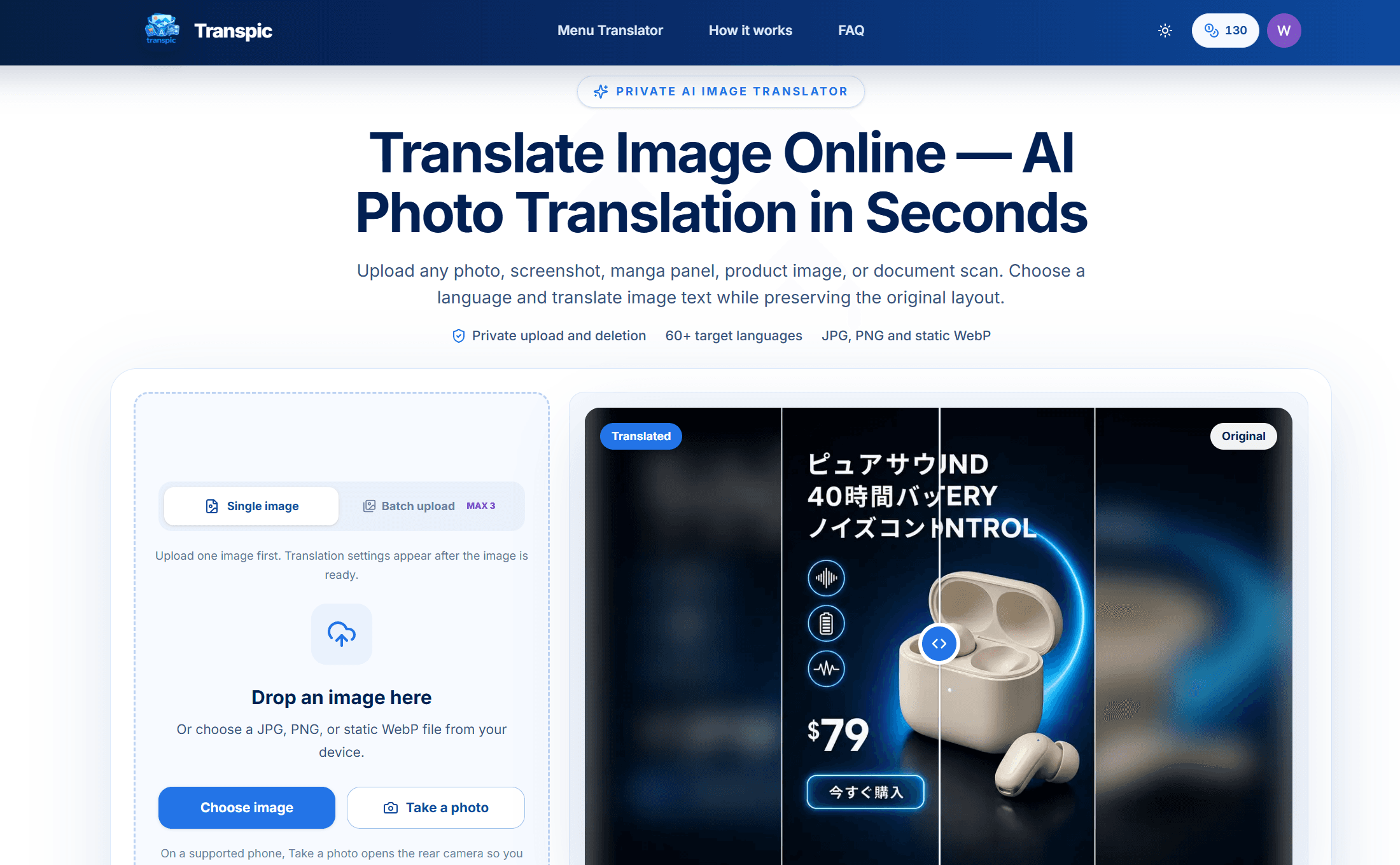
Transpic is an AI-powered online tool designed for translating text embedded within images while maintaining the original layout. This tool is especially useful for users needing to translate menus, product packaging, posters, and documents in over 60 languages. It allows for the uploading of JPG, PNG, or static WebP images, and provides editable text blocks after translation, making it suitable for e-commerce professionals, travelers, and students alike. With features like layout-aware text placement and batch translation, Transpic streamlines workflows that require accurate and visually coherent translations. Users can edit, adjust size, and reposition translated text, ensuring effective communication across languages without losing context.
Key Features
Translate text from images while preserving layout
Editable translated text blocks for customization
Before-and-after image comparison
Batch translation available on paid plans
Private storage for uploaded images
Use Cases
- Translating restaurant menus while traveling
- Creating localized product advertisements
- Translating manga panels for fans
- Converting screenshots of educational materials
- Translating product packaging for international markets
How to Use Transpic
- 1Upload a JPG, PNG, or static WebP image from your device
- 2Select a target language from 60+ options
- 3Run the translation and check the adjustments
- 4Edit any text as needed and adjust placement
- 5Download the finalized translated image with original layout preserved.
Best For
TravelersE-commerce marketersStudents studying abroadGraphic designersLocal businesses looking to expand
FAQ
Is the image translator free?
Guests can translate image text once for free on images up to 3 MB.
How good is text recognition quality?
Quality depends on the clarity of the image; layout-aware placement enhances readability.
Are my uploaded photos saved?
Uploads are stored privately; they do not become permanent public links.
How do I translate an image into another language?
Upload an image, choose a target language, then run the translation job.
Can I copy or edit text from the image?
Yes, translated text becomes editable, allowing for adjustments before export.
