
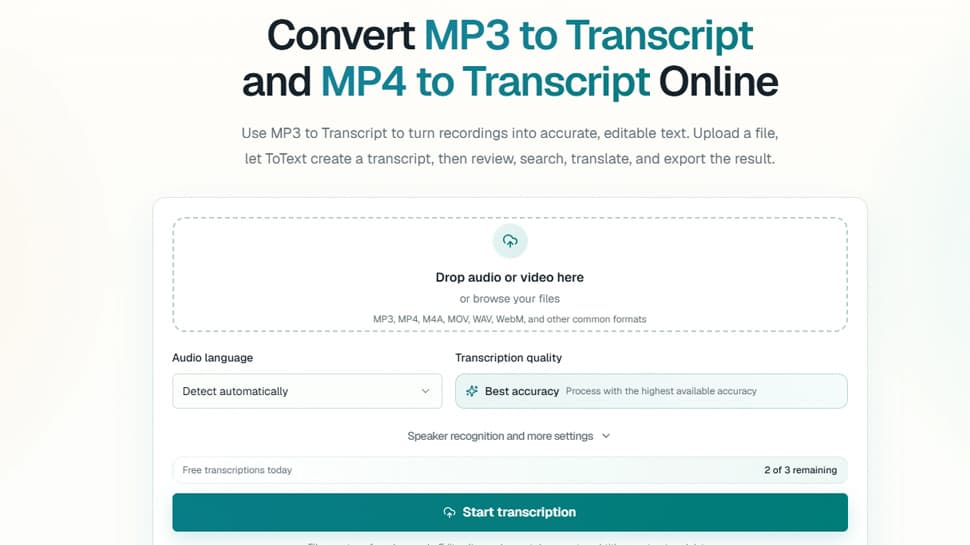
Audio and video transcription
Editable timestamps and speaker labels
Multiple export formats available
Automatic language detection
User-friendly interface
- Transcribing interviews for content creation
- Creating subtitles for video content
- Generating meeting notes from audio recordings
- Producing educational transcripts for lectures
- Facilitating accessibility by providing text for audio resources
- 1Upload your MP3 or MP4 file
- 2Select language or enable automatic detection
- 3Start the transcription process
- 4Review and edit the transcript as needed
- 5Export the final transcript in your chosen format
What is the easiest way to create an MP3 to Transcript?
Upload the MP3, choose a language or automatic detection, and start. Review the time-aligned text in the browser, then export the format you need.
Can ToText create an MP3 Transcript without installing software?
Yes, all processing occurs within a modern web browser.
How to create a transcript from an MP4 video?
Upload the video and start an MP4 to Transcript job, using the same editing tools available for MP3.
Does speaker recognition work for every recording?
Quality and accuracy depend on audio factors; speaker labels remain editable.
How accurate is MP3 to Transcript conversion?
Accuracy varies depending on recording quality, accents, and noise; timestamps allow for verification.

Related Tools
More active tools in AI Tools.
Banana AI
Banana AI is a free AI image and video generation platform. Transform photos, create cinematic videos, apply styles, background removal, and restoration—fast and easy.

BG Remove Pro
Remove backgrounds from images instantly with our free AI tool. Get perfect transparent backgrounds in seconds - no signup required. Supports JPG, PNG, WebP formats.

Wan 2.6 AI Video Generator | JXP
DealWan 2.6 generates AI videos from text or images with multi-shot storytelling, reference video control, and native audio sync.

Editimg AI
Transform your images with Editimg AI, the most advanced ai image editor. Edit photos online with AI-powered tools for style transfer, background removal, object replacement, and more.