
Tax Refund Calculator
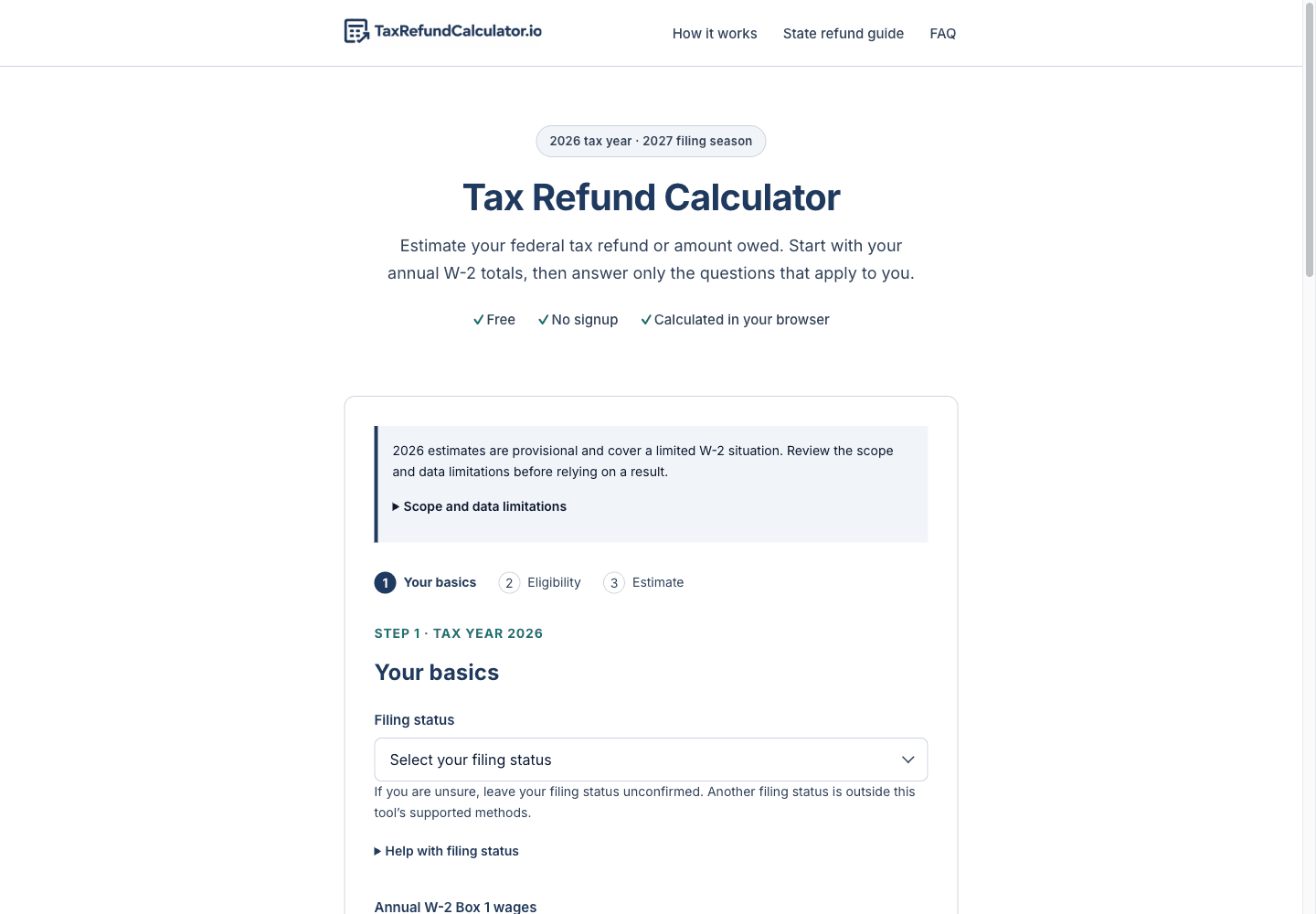
Estimate a provisional 2026 federal refund or amount owed for supported W-2 situations.
- All time
- — views
- — clicks
- Last 30 days
- — views
- — clicks
Loading activity…
What is Tax Refund Calculator?
Key Features
Federal refund or amount-owed estimate: Estimates a federal balance for supported situations using annual W-2 wages, federal withholding, and applicable credits.
Eligibility and scope questions: Prompts users to confirm filing status, income, deduction, dependent, and credit details instead of treating every return as supported.
Calculation assumptions shown: Explains the supported calculation scope and the answers used for the estimate.
Runs in the browser: The site says calculator inputs are calculated in the browser and are not uploaded or stored by the calculator.
Free with no signup: The calculator is free to use and does not require an account.
Use Cases
- Get a restricted estimate of a 2026 federal refund or amount owed using supported annual W-2 figures and confirmed eligibility answers.
- Review how annual W-2 withholding and eligible credits affect a restricted federal balance.
- Check whether your circumstances fit the estimator before attempting a calculation.
How to Use Tax Refund Calculator
- 1Gather your annual W-2 Box 1 wages and Box 2 federal income tax withheld. Combine applicable W-2 amounts first.
- 2Choose the filing status that applies, or leave it unconfirmed if you are unsure.
- 3Answer the scope and eligibility questions. Use the calculator only if your circumstances fit its stated limits.
- 4Enter applicable dependent and credit information only after checking the relevant eligibility requirements.
- 5Review the answers and assumptions shown with the estimate. Treat the 2026 result as provisional, not as a filed return or guaranteed refund.
Best For
FAQ
Does this calculate my final tax refund?
No. It provides a provisional estimate for supported situations and is not a filed return or a guarantee of the amount you will receive. The site labels it provisional because the relevant 2026 IRS tables and forms are drafts, and it identifies a draft Schedule 3-A adjustment that it does not model.
Does it include state tax or my state refund?
No. The calculator estimates federal tax only. The site’s state tax page is a guide, not a state refund calculator.
Can I use it if I have self-employment income?
No. The site says self-employment income, self-employment tax, and quarterly estimated payments are outside the calculator’s scope.
Why might the calculator show no amount?
The calculator may stop when an answer is unconfirmed or when the return requires an unsupported method. It is limited to the situations described on the site.
Do I need an account?
No. The site says the calculator is free and does not require signup.
