swayclip
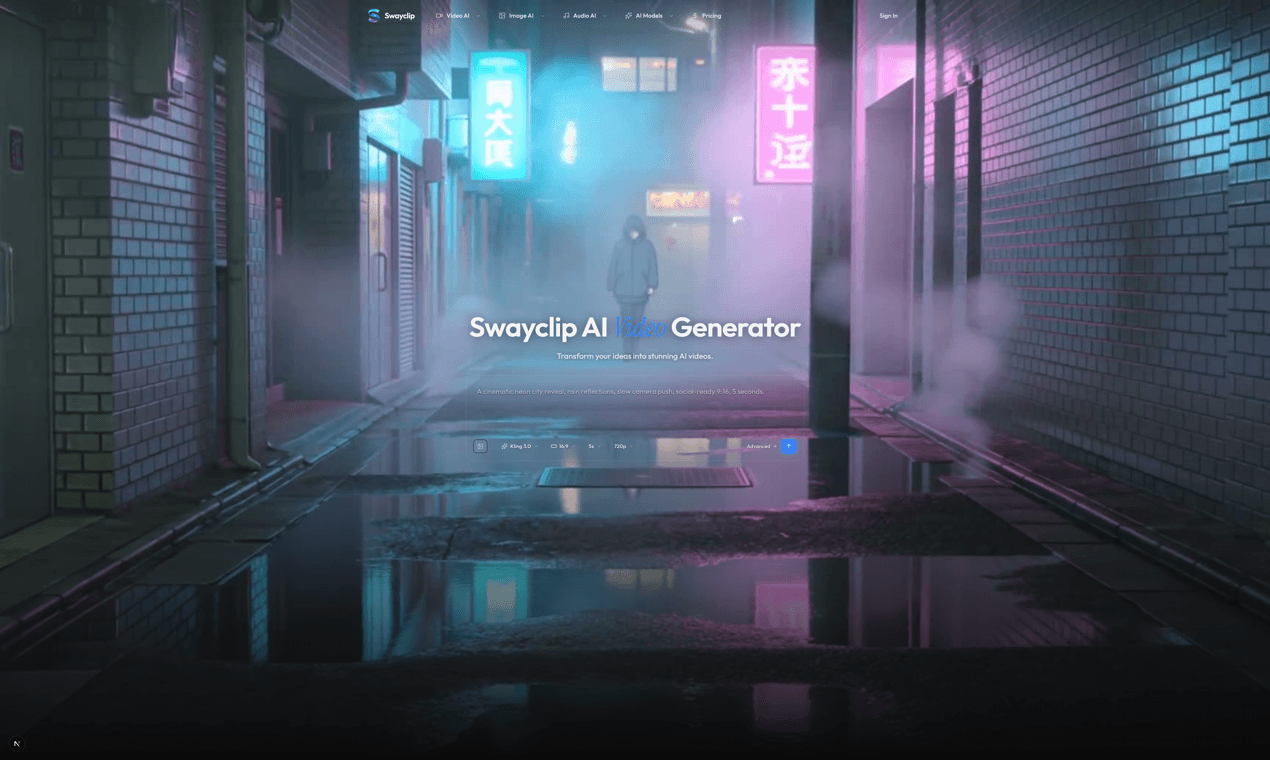
Create AI videos, images, and music from prompts or reference images. Use leading video, image, and music models in one browser workspace.
- All time
- — views
- — clicks
- Last 30 days
- — views
- — clicks
Loading activity…
What is swayclip?
Key Features
All your AI creative tools in one place.
See real outputs. With the real prompts behind them.
Frequently asked questions
Make your first clip in one prompt.
View pricing
Use Cases
- Evaluate swayclip for AI workflows
- Use swayclip for the main workflow described on the official website
- Compare swayclip with similar AI products before choosing a workflow
How to Use swayclip
- 1Open the official swayclip website.
- 2Review the homepage details, examples, or onboarding flow to confirm it fits your task.
- 3Start with the main web app workflow and provide the required input or setup information.
- 4Check the output or result, then adjust settings based on your use case.
Best For
FAQ
What is swayclip?
Create AI videos, images, and music from prompts or reference images. Use leading video, image, and music models in one browser workspace.
How do I start using swayclip?
Visit the official website, review the available workflow, and start from the main web app experience.
Tags
Quick Info

Related Tools
More active tools in AI Tools.
Pika Labs
Create reality-bending AI videos — turn photos and selfies into shareable clips with playful effects.

Wan 2.6 AI Video Generator | JXP
DealWan 2.6 generates AI videos from text or images with multi-shot storytelling, reference video control, and native audio sync.
Infinite Talk AI
DealCreate seamless, audio-driven videos with InfiniteTalk AI. Synchronize lips, head, body, and expressions for unlimited-length dubbing. Try now for powerful, lifelike results!

Waver AI
DealWaver AI is an advanced text-to-video & image-to-video tool that transforms words into high-quality videos. Waver 1.0 delivers cinematic 1080p quality with superior motion modeling. Try Waver 1.0 now!