
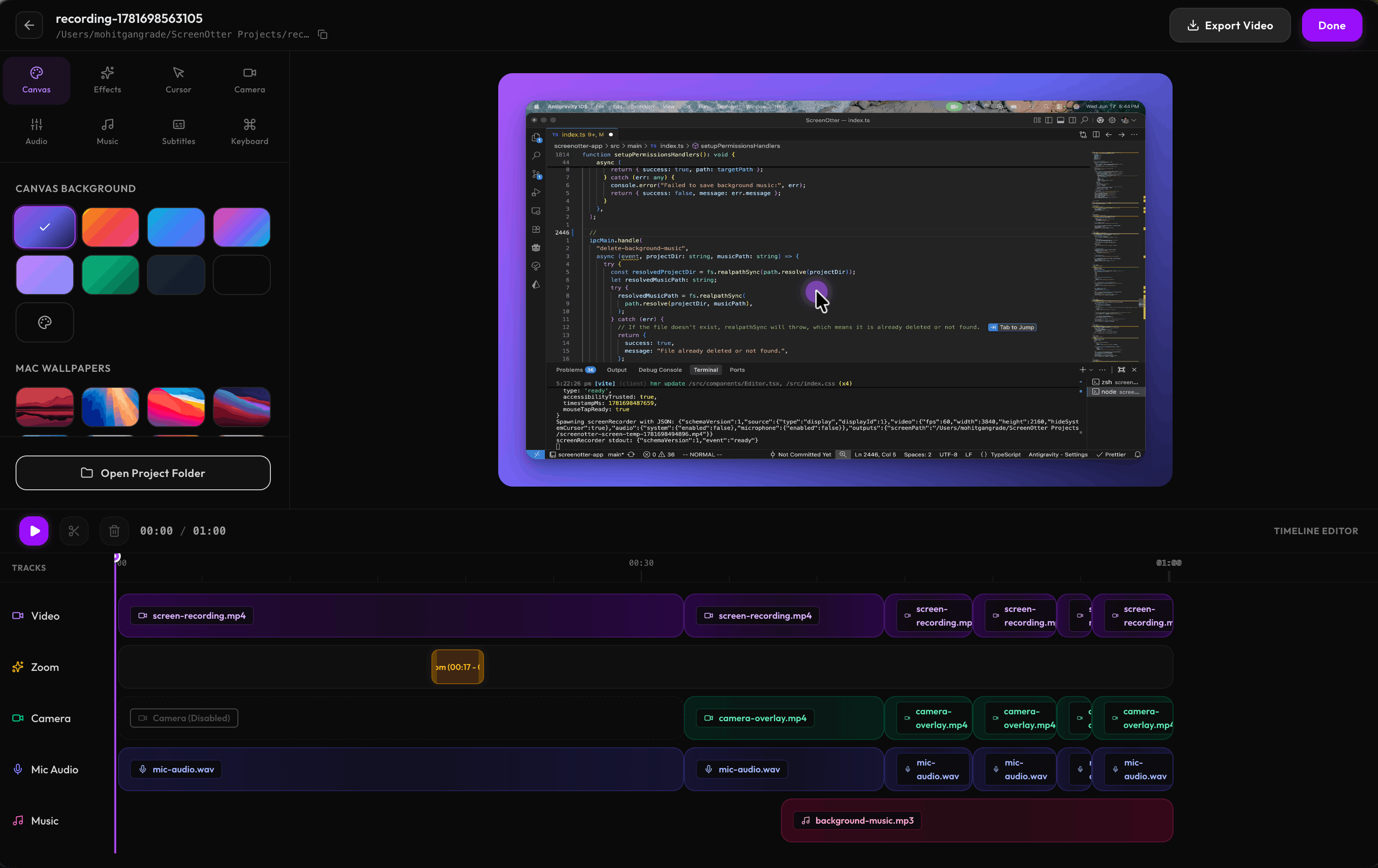
Automatic zoom on clicks for clarity
Automatic subtitle generation from audio
Easy sharing and exporting processes
Custom webcam and audio options
Speed control during typing sequences
- Creating software tutorials
- Recording product demos
- Conducting code walkthroughs
- Producing online course content
- Sharing tutorial videos with clients
- 1Open ScreenOtter and hit record.
- 2Perform your tasks as normal while the tool captures your screen.
- 3Export the recording instantly with no editing required.
What macOS version do I need?
ScreenOtter requires macOS 13 Ventura or later.
Is this really a one-time payment?
Yes, it's a one-time payment with no subscriptions or hidden fees.
What's your refund policy?
A full refund is available within 30 days of purchase.
Can I use this for commercial projects?
Yes, the license covers both personal and commercial use.

Related Tools
More active tools in Video.

pixelflowlevel.app
pixelflowlevel.app is a guide hub for the Pixel Flow puzzle game. It provides level walkthroughs, searchable guide pages, video help, and gameplay tips for players who want to find solutions and master challenging levels faster.

cluesbysam
Find Clues by Sam answers, daily walkthroughs, and the full archive for every puzzle level. Search fast and watch the matching video guide.
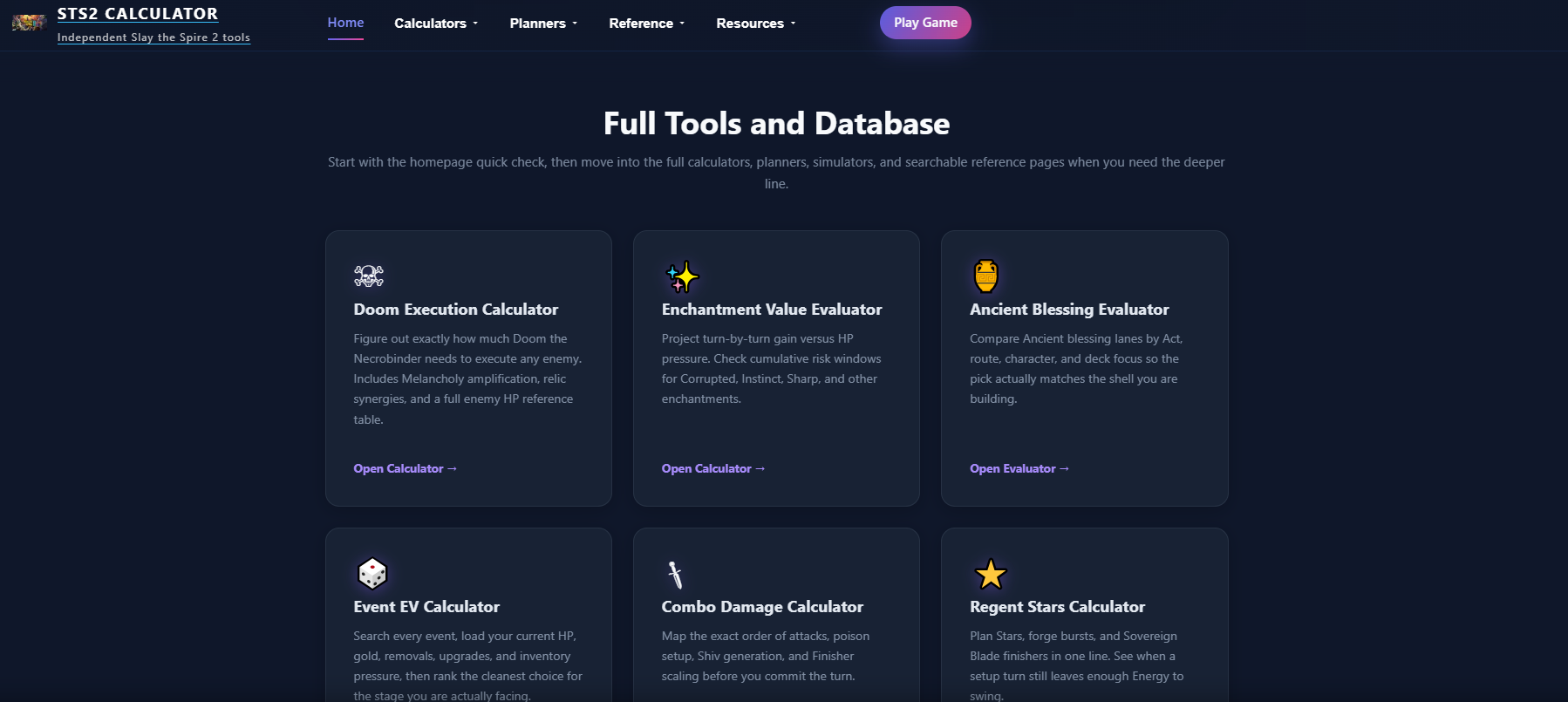
STS2 Calculator
Interactive calculators for Slay the Spire 2. Calculate Doom execution thresholds, optimize Necrobinder runs, and plan every combat with precise data.

MEANINGS
Discover insightful stories that challenge your perspective. Explore deep analysis of films, TV series, and cultural phenomena.