
Playlo
A handpicked collection of free browser games, guides, and quick challenges.
- All time
- — views
- — clicks
- Last 30 days
- — views
- — clicks
Loading activity…
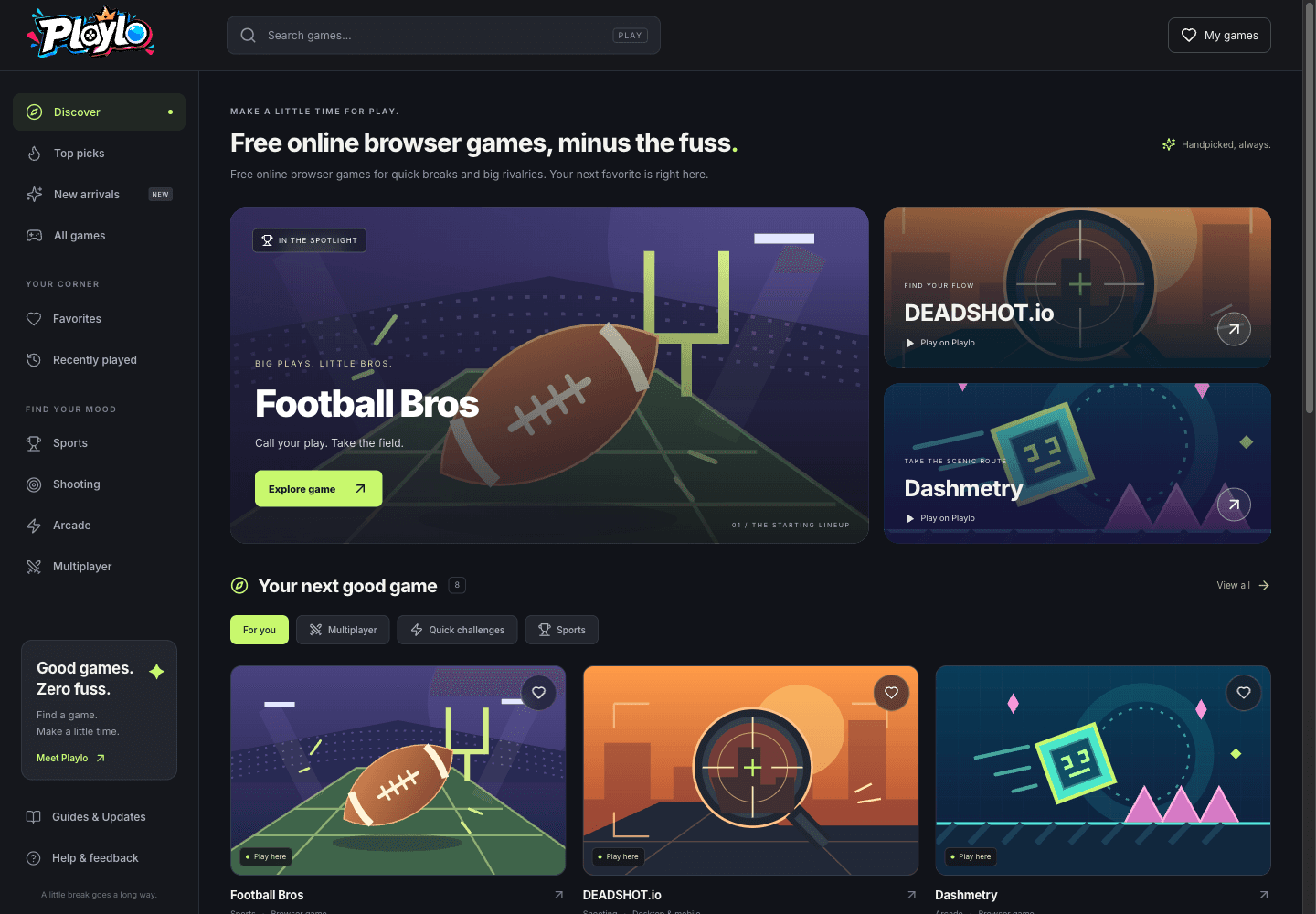
What is Playlo?
Key Features
Curated browser game collection: Explore selected sports, shooting, arcade and multiplayer titles rather than one standalone game.
Game pages and practical guides: Read descriptions, controls, device notes, setup guidance, tips and FAQs where available.
Search, filters and sorting: Find a title, narrow the category and sort by editorial order, A to Z or recently updated.
Labeled play locations: Check whether the available option is an on-site player or an official-site opening, with provider information on the game page.
Local favorites and recent games: Keep a browser-based library without a Playlo account; saved lists are not account-based cross-device sync.
Independent editorial presentation: Playlo adds descriptions, guides and its own stated cover illustrations while crediting the games to their creators.
Use Cases
- Find a browser game for a short break without searching a large catalog.
- Discover sports, shooting, arcade or multiplayer titles by category.
- Check controls and device information before opening a third-party game.
- Save favorite games and return to recently opened titles in the same browser.
- Read a practical game guide before trying unfamiliar controls or modes.
How to Use Playlo
- 1Open playlo.gg and browse the featured picks or the All games collection.
- 2Search for a game, choose a category or change the sort order to narrow the selection.
- 3Read the game page for controls, device notes, provider information and the available play location.
- 4Use the offered play option within Playlo or open the official provider. Save the title to favorites if you want to return in this browser.
Best For
FAQ
Is Playlo free?
Playlo presents a free browser game discovery collection. You can browse its catalog, read game pages and guides, and save local favorites without paying for a Playlo account. Individual third-party games may set their own access requirements or offer additional paid features; Playlo’s free catalog does not override a provider’s terms.
Do I need a Playlo account, and can I save games for later?
No Playlo account is required to browse, save favorites or return to recently opened games. Favorites and recent-game lists are stored in the current browser, not synchronized to a Playlo account or another device. Clearing browser storage removes those local lists. A third-party game may have its own account rules.
Can I play every game directly on Playlo?
Do not assume so. Playlo describes a mix of on-site players and games that open on official websites, and labels the available play option. Even an on-site player may embed a third-party-hosted game. Check the provider information and official-game link; the provider’s own policies and access requirements apply when you play.
What types of games are available, and do they work on mobile?
The collection includes sports, shooting, arcade and multiplayer browser games. Examples include Football Bros, DEADSHOT.io, Dashmetry and Snow Road. Check each game page’s controls and device notes. Mobile, touch and controller support vary by title, and the collection does not guarantee every game works on every phone or device.
Does Playlo create the games listed on the site?
Playlo describes itself as an independent game discovery website. The games belong to their respective creators. Playlo provides editorial descriptions, guides, categories, stated original cover illustrations and links to the available play experience. A listing or embedded player does not mean that Playlo developed the game or owns it.
