
Pixel Art Village
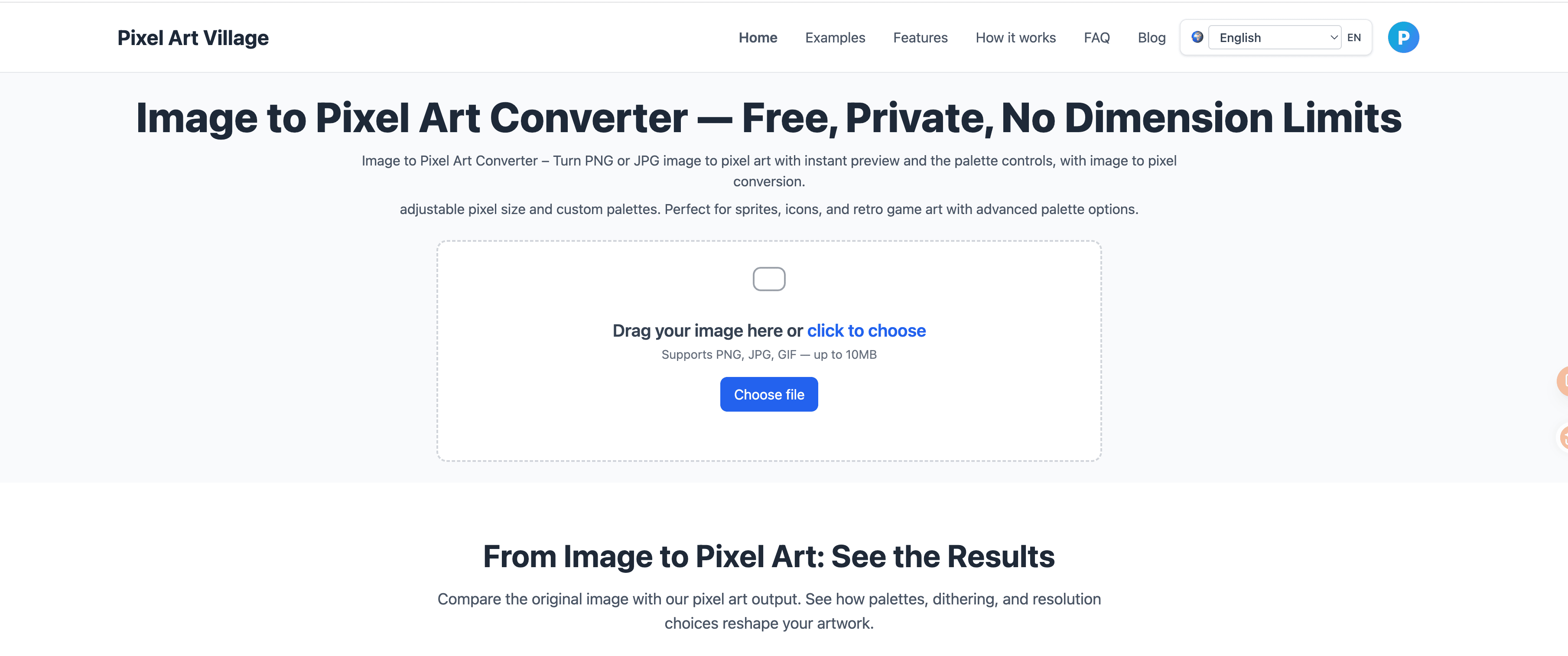
Turn images into pixel art online with live preview, palette controls, dithering, and private browser-based processing for PNG, JPG, GIF, and WEBP files.
Designfree
- All time
- — views
- — clicks
- Last 30 days
- — views
- — clicks
Loading activity…
What is Pixel Art Village?
Turn images into pixel art online with live preview, palette controls, dithering, and private browser-based processing for PNG, JPG, GIF, and WEBP files.
Key Features
Drag your image here or click to choose
See the Before and After
Why creators use Pixel Art Village
Pixel Art Converter Controls
How to Convert Image to Pixel Art
Use Cases
- Evaluate Pixel Art Village for email marketing workflows
- Use Pixel Art Village for the main workflow described on the official website
- Compare Pixel Art Village with similar email marketing products before choosing a workflow
How to Use Pixel Art Village
- 1Open the official Pixel Art Village website.
- 2Review the homepage details, examples, or onboarding flow to confirm it fits your task.
- 3Start with the main web app workflow and provide the required input or setup information.
- 4Check the output or result, then adjust settings based on your use case.
Best For
Marketing teamsNewsletter operatorsGrowth teams
FAQ
What is Pixel Art Village?
Turn images into pixel art online with live preview, palette controls, dithering, and private browser-based processing for PNG, JPG, GIF, and WEBP files.
How do I start using Pixel Art Village?
Visit the official website, review the available workflow, and start from the main web app experience.
