Photo to Text Converter
Quickly extract text from images and PDFs for free!
Free online conversion
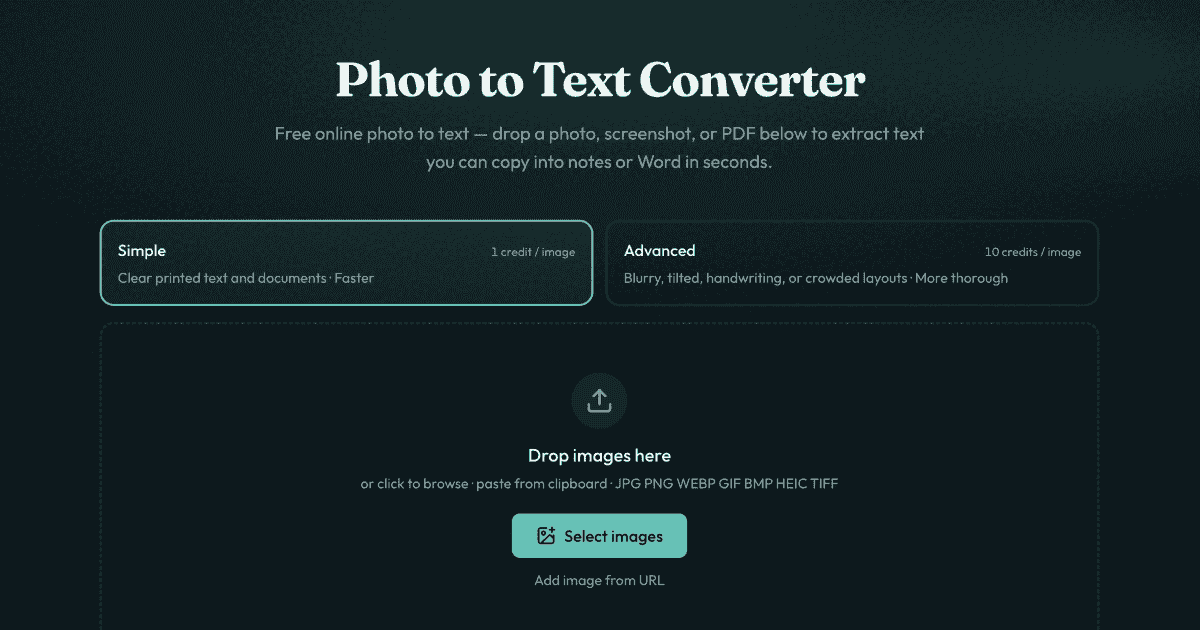
Supports multiple formats (JPG, PNG, PDF)
Quickly converts images to Word and Excel
Simple and advanced OCR modes to enhance accuracy
No sign-up required for basic usage
- Convert scanned documents into editable Word files
- Extract text from receipt images into Excel spreadsheets
- Transform screenshots containing text into copyable format
- Digitize handwritten notes for easier access
- Process PDF files to retrieve text easily
- 1Drag and drop an image or PDF into the converter
- 2Select between Simple or Advanced OCR mode for extraction
- 3Click to extract text, then copy or download as needed
Is this photo to text converter free?
Yes, it is free to start without signing up.
Do you store my images?
No, images are not stored for guest conversions, ensuring privacy.
Can I copy text from image results into Word?
Yes, extracted text can be copied or downloaded in various document formats.
Does it support PDF, JPG, and PNG?
Yes, it supports multiple formats including JPG, PNG, and PDF for text extraction.
When should I use Advanced instead of Simple?
Use Advanced for harder-to-read images like blurry photos or crowded layouts.

Related Tools
More active tools in AI Tools.
Banana AI
Banana AI is a free AI image and video generation platform. Transform photos, create cinematic videos, apply styles, background removal, and restoration—fast and easy.

BG Remove Pro
Remove backgrounds from images instantly with our free AI tool. Get perfect transparent backgrounds in seconds - no signup required. Supports JPG, PNG, WebP formats.

Wan 2.6 AI Video Generator | JXP
DealWan 2.6 generates AI videos from text or images with multi-shot storytelling, reference video control, and native audio sync.

Editimg AI
Transform your images with Editimg AI, the most advanced ai image editor. Edit photos online with AI-powered tools for style transfer, background removal, object replacement, and more.