
OSRS Loot Simulator
Run OSRS boss-drop simulations and inspect loot counts, GP totals, and item breakdowns.
- All time
- — views
- — clicks
- Last 30 days
- — views
- — clicks
Loading activity…
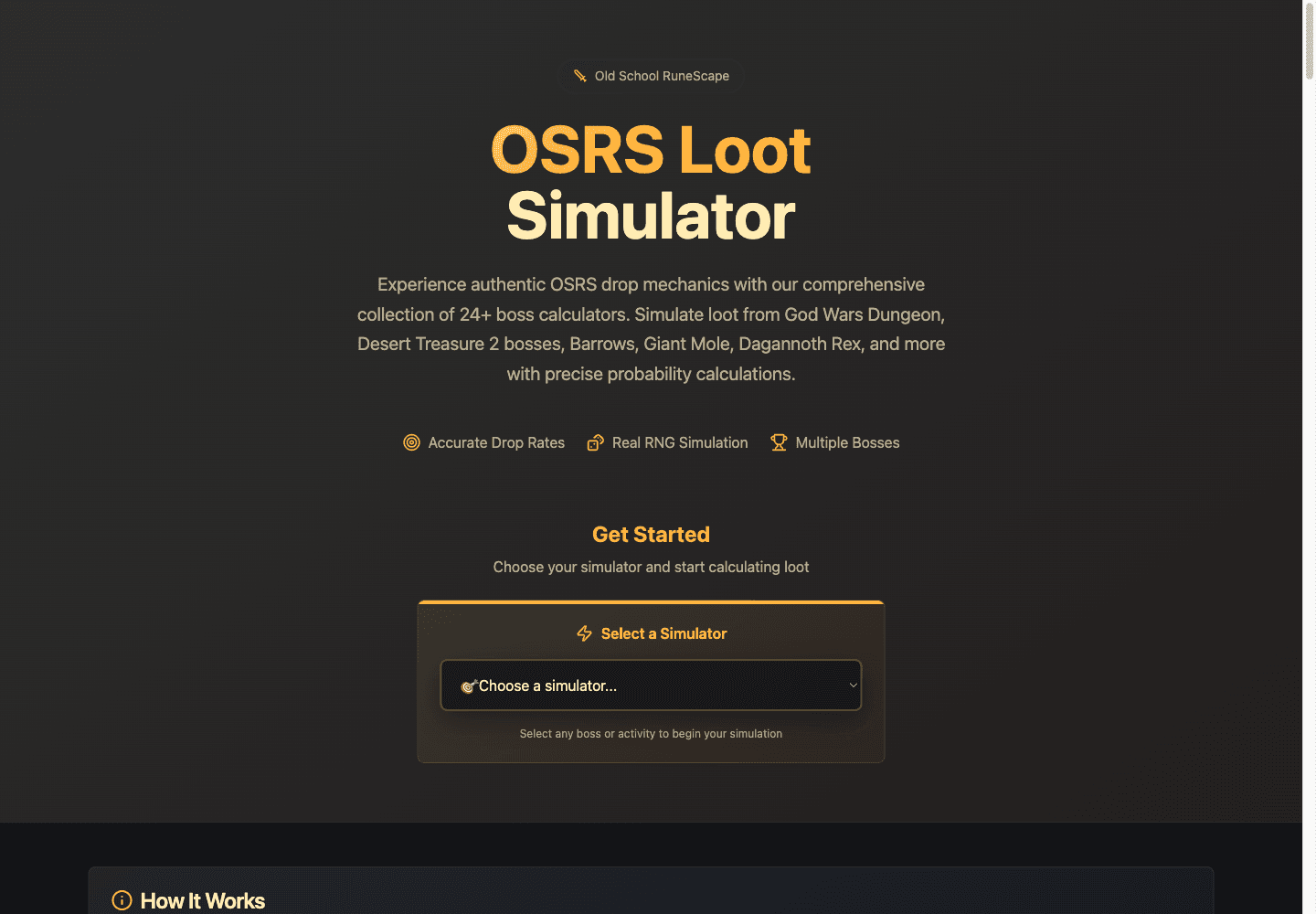
What is OSRS Loot Simulator?
Key Features
Boss and activity selector covering multiple OSRS encounters
Simulator-specific inputs and explanatory drop-mechanic notes
Giant Mole kill-count input from 1 to 10,000
Results with kill counts, unique drops, total GP, and average GP
Item-value breakdowns and selected rare-drop counters
Use Cases
- Explore how virtual loot can vary across simulated runs
- Inspect an example boss drop model before comparing encounters
- Learn which result categories a boss simulator reports
How to Use OSRS Loot Simulator
- 1Choose a boss or activity from the simulator selector
- 2Read the displayed mechanics and set the available parameters
- 3Enter a suitable kill count and run the simulation
- 4Inspect aggregate values and item breakdowns, then repeat to compare variation
Best For
FAQ
What does the OSRS drop simulator do?
It generates virtual loot outcomes using the selected encounter model and reports aggregate and item-level results.
Is it free and does it require a RuneScape login?
The site describes the simulator as free. The tested simulation did not require an account or RuneScape credentials.
Which bosses and activities are included?
The visible selector includes Giant Mole, Vorkath, Barrows, God Wars Dungeon bosses, Tombs of Amascut, and other encounters. Available options can change.
How many kills can I simulate?
The checked Giant Mole input accepted a range of 1 to 10,000. Other encounter settings should be checked on their own simulator screens.
Are these guaranteed drop or profit predictions?
No. Results are generated samples under the site’s model. We did not audit every drop table, item price, or update, and the simulator does not change your game account.
