
Online Music Visualizer
Create synchronized audio-reactive videos effortlessly.
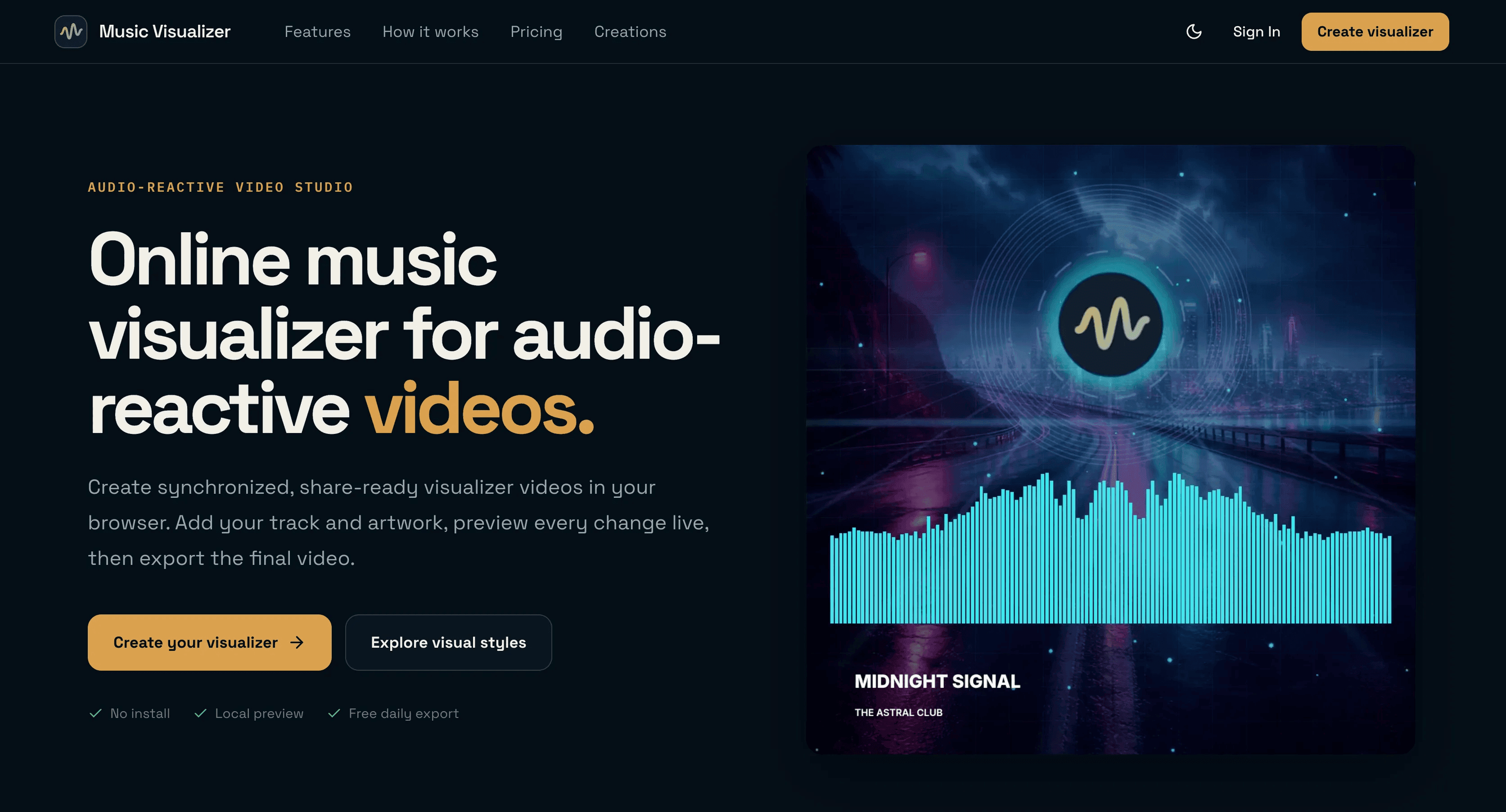
Audio-reactive presets
Local preview of visuals
Supports 720p, 1080p, and 2K exports
Wide range of format customization
Free daily export for limited tracks
- Creating promotional music videos
- Generating visually appealing social media content
- Producing album release visuals
- Visualizing podcasts and DJ mixes
- Engaging audiences with interactive content
- 1Go to the Online Music Visualizer.
- 2Select a preset that fits your music's vibe.
- 3Upload your audio file and any artwork or logos you want to include.
- 4Customize your settings (like color and intensity), then export your video.
What is a music visualizer?
A music visualizer creates synchronized motion based on the rhythm and frequency of an audio track.
How does the free export work?
Each account receives one free 720p export per UTC day for tracks under 1 minute.
Can I edit audio files before uploading?
No, files remain local while you edit and are uploaded only during export.
What video formats can I create?
You can create square, vertical, and landscape videos for various platforms.
How long are my files retained?
Source media and rendered videos are automatically deleted after 14 days.

Related Tools
More active tools in AI Tools.
Banana AI
Banana AI is a free AI image and video generation platform. Transform photos, create cinematic videos, apply styles, background removal, and restoration—fast and easy.

BG Remove Pro
Remove backgrounds from images instantly with our free AI tool. Get perfect transparent backgrounds in seconds - no signup required. Supports JPG, PNG, WebP formats.

Wan 2.6 AI Video Generator | JXP
DealWan 2.6 generates AI videos from text or images with multi-shot storytelling, reference video control, and native audio sync.

Editimg AI
Transform your images with Editimg AI, the most advanced ai image editor. Edit photos online with AI-powered tools for style transfer, background removal, object replacement, and more.