Nano Banana Prompts
Copyable Nano Banana prompts with visual examples
- All time
- — views
- — clicks
- Last 30 days
- — views
- — clicks
Loading activity…
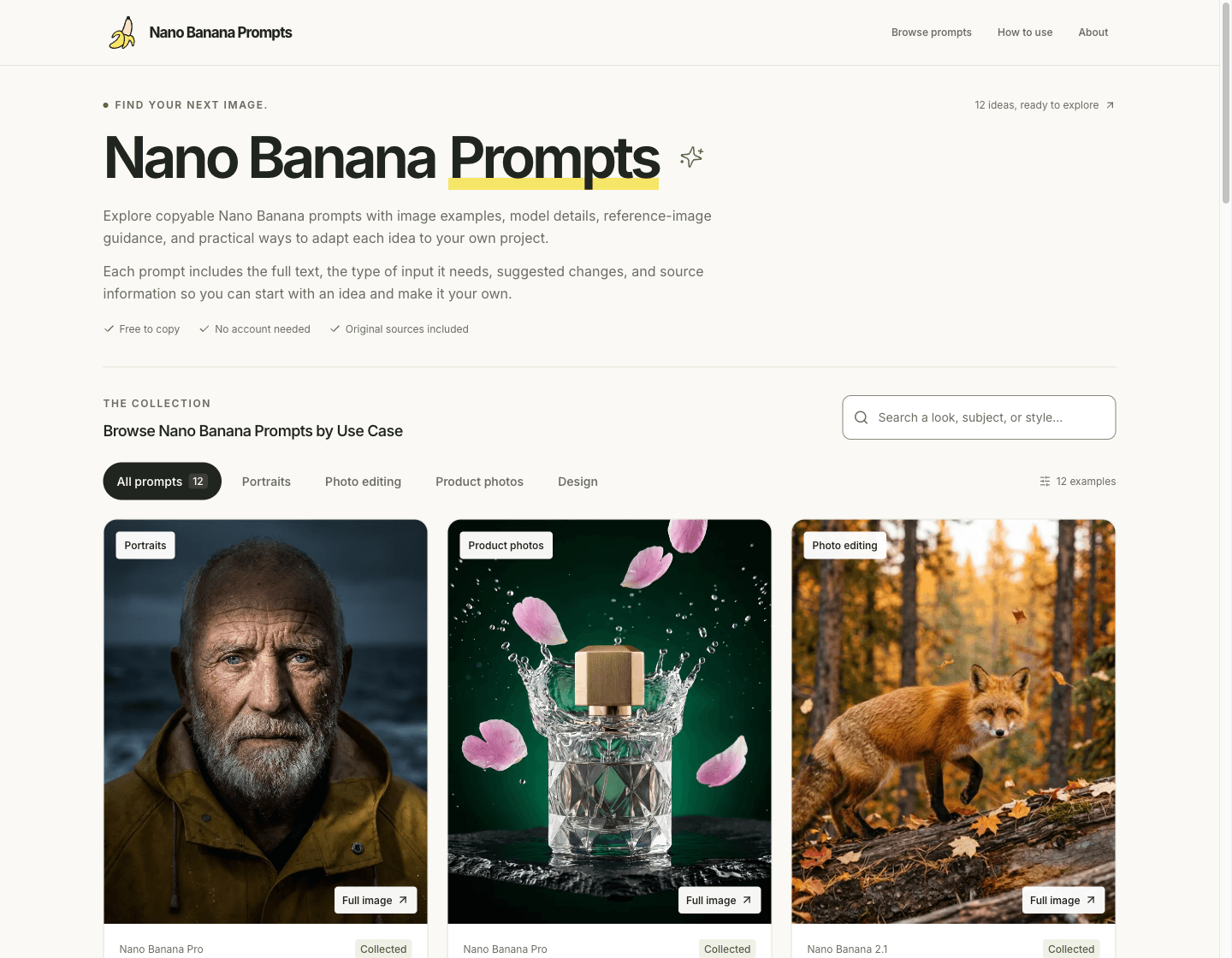
What is Nano Banana Prompts?
Key Features
Visual prompt browsing: Explore image examples for portraits, photo edits, product photos, and creative designs.
Complete prompt text: Open an example and copy its full prompt for use in a compatible image-generation tool.
Input requirements: Check whether a prompt is text-only or needs one or more reference images before using it.
Model and source information: Review source-reported model details, credited sources, and the example's collection or testing status.
Practical adaptation guidance: Learn how to change the subject, lighting, background, composition, or style while preserving useful instructions.
Free access without an account: Browse and copy published prompts; any image-generation costs or usage limits belong to the external tool you choose.
Use Cases
- Find a visual starting point for a cinematic or stylized portrait.
- Plan edits to an existing photo, such as changing the background or season.
- Explore product-photography concepts, packaging, and advertising visuals.
- Adapt a design prompt for social media covers, stickers, or creative layouts.
- Study how prompt sections describe lighting, composition, and visual style.
How to Use Nano Banana Prompts
- 1Browse the prompt collection by use case and choose a visual example.
- 2Open the prompt page to inspect the full image, complete prompt, and source-reported model information.
- 3Check whether the prompt is text-only or needs reference images, then prepare suitable inputs.
- 4Copy the prompt into a compatible image-generation tool and provide any required reference images there.
- 5Customize the subject, setting, lighting, or visual style. Generate in the external tool and adjust one major detail at a time.
Best For
FAQ
What is Nano Banana Prompts?
Nano Banana Prompts is a visual library of copyable prompts and examples for Nano Banana and related Gemini image models. It covers portraits, photo edits, product photos, and creative designs. It provides prompt text and guidance; image generation happens in an external tool.
Are the prompts free, and do I need an account?
You can browse and copy the published prompts for free without an account on Nano Banana Prompts. The external image-generation tool you choose may have its own pricing, account requirements, terms, and usage limits.
Do I need a reference image?
It depends on the prompt. Some prompts are designed for text-only generation, while others require one or more reference images. Check the input requirements on the individual prompt page and provide suitable images in your chosen generation tool.
Can I change a prompt, and will the result match the example?
You can adapt the subject, background, lighting, composition, or visual style. Change one major detail at a time to understand its effect. An identical result is not guaranteed: the model version, reference image, prompt changes, settings, and generation itself can affect the output. Examples labeled Collected come from credited creators and do not mean the site independently reproduced them.
Is Nano Banana Prompts affiliated with Google or Gemini?
No. Nano Banana Prompts is an independent resource and is not affiliated with or endorsed by Google or Gemini.
Quick Info

Related Tools
More active tools in AI Tools.
Banana AI
Banana AI is a free AI image and video generation platform. Transform photos, create cinematic videos, apply styles, background removal, and restoration—fast and easy.
BG Remove Pro
Remove backgrounds from images instantly with our free AI tool. Get perfect transparent backgrounds in seconds - no signup required. Supports JPG, PNG, WebP formats.

Editimg AI
Transform your images with Editimg AI, the most advanced ai image editor. Edit photos online with AI-powered tools for style transfer, background removal, object replacement, and more.

Professional Headshot AI
Professional Headshot AI helps users create realistic AI professional headshots from uploaded photos. The workflow is built for producing studio-quality profile images that still look like the person, with style selection and fast turnaround.