MUSICTOOL
Create songs, edit audio, and make music with an AI agent
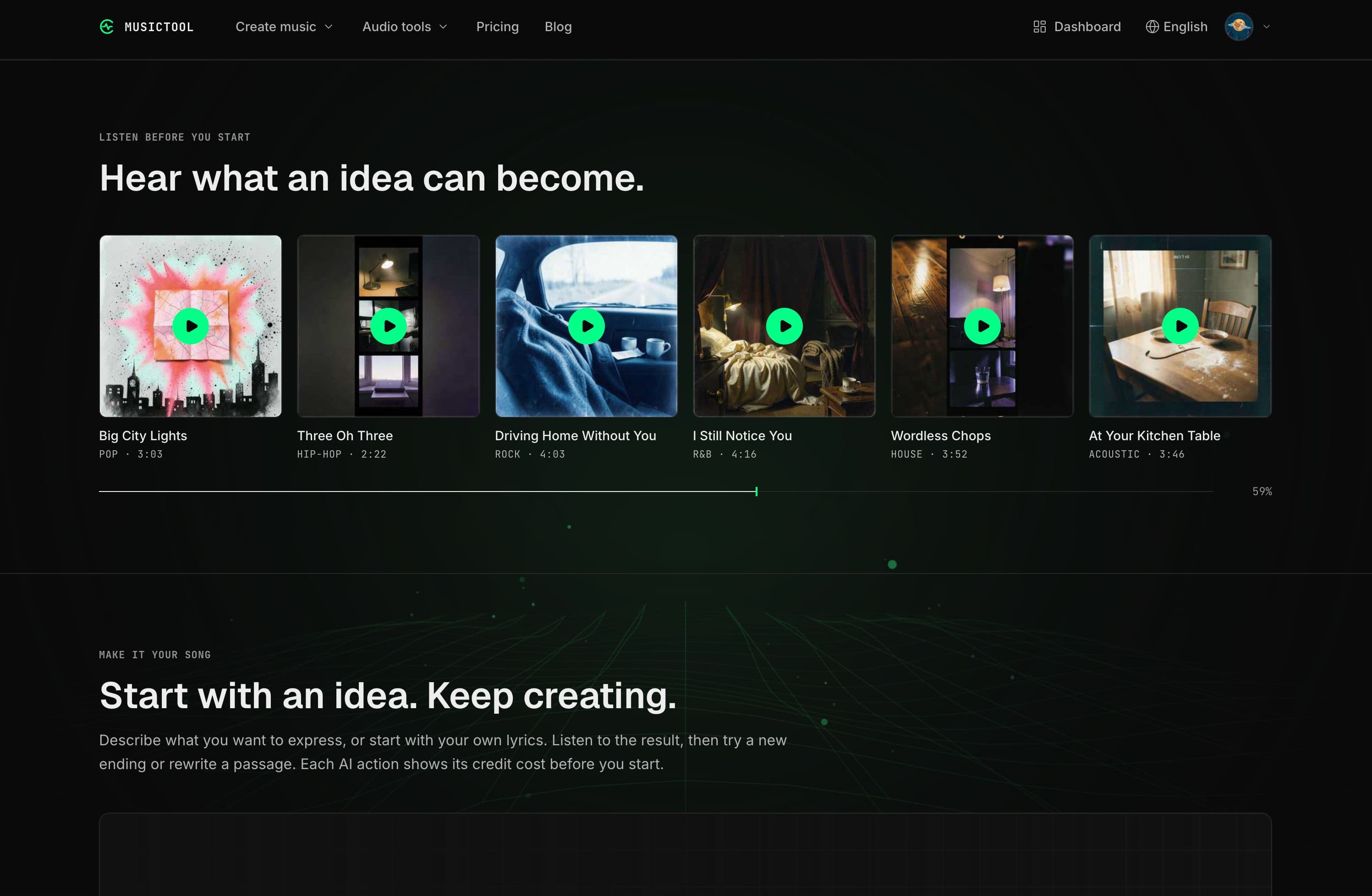
Generate songs from lyrics or ideas
AI-created music and vocals
Listen to and modify tracks instantly
Support for multiple audio formats
Commercial licenses available with subscriptions
- Creating original music from scratch
- Transforming personal lyrics into songs
- Experimenting with song structures
- Generating quick demos for studio work
- Collaborating with others in music composition
- 1Sign up for a free account to get started
- 2Describe your song idea or input your lyrics
- 3Choose the desired style or mood for the song
- 4Listen to the AI-generated track and make adjustments
- 5Download or share your finished song based on the chosen credits
Can I make a song without knowing how to write or record music?
Yes, you only need to describe the song's theme or style, and the AI generates everything else.
Do I need a subscription to download my song?
You can buy a one-time credit pack or subscribe to unlock audio downloads.
What happens if I don't like the result?
You can revise your idea or lyrics and generate a new version for a credit fee.
Can I use my own lyrics?
Yes, you can input your lyrics in the Advanced mode and select a musical style.
Is there a free version?
Yes, all new accounts receive 20 free credits to create and listen to songs.

Related Tools
More active tools in AI Tools.
Banana AI
Banana AI is a free AI image and video generation platform. Transform photos, create cinematic videos, apply styles, background removal, and restoration—fast and easy.
BG Remove Pro
Remove backgrounds from images instantly with our free AI tool. Get perfect transparent backgrounds in seconds - no signup required. Supports JPG, PNG, WebP formats.

Wan 2.6 AI Video Generator | JXP
DealWan 2.6 generates AI videos from text or images with multi-shot storytelling, reference video control, and native audio sync.

Editimg AI
Transform your images with Editimg AI, the most advanced ai image editor. Edit photos online with AI-powered tools for style transfer, background removal, object replacement, and more.