MakeGraph
Instantly create charts from your CSV or Excel data.
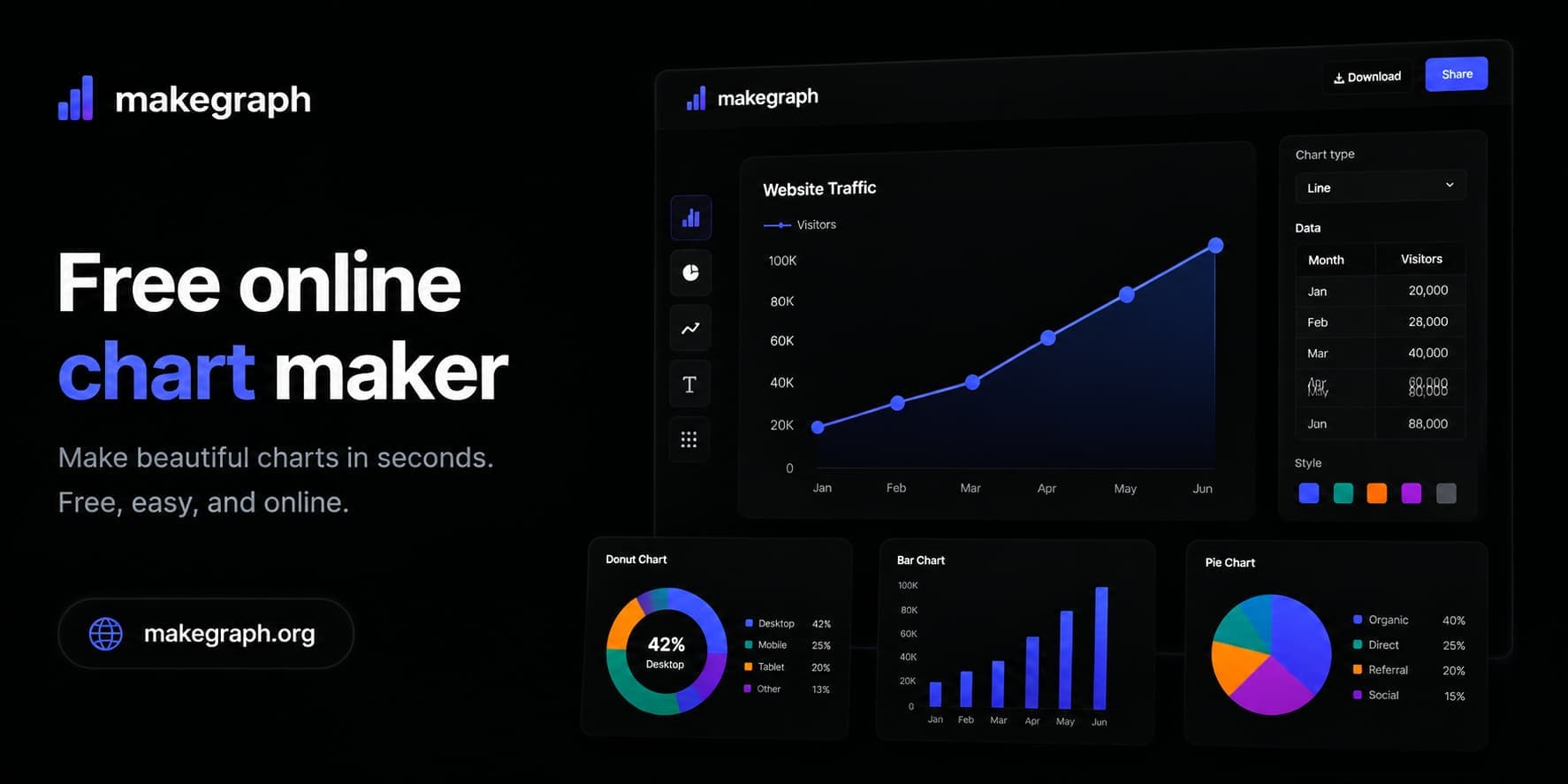
Create multiple chart types quickly (e.g., bar, line, pie)
Instant export of charts as PNG or SVG
No signup required for use
Real-time data preview and customization
Supports complex chart types like scatter and radar charts
- Visualizing data for presentations
- Creating educational materials
- Analyzing survey results
- Generating reports from Excel data
- Displaying statistical trends over time
- 1Visit the MakeGraph website
- 2Upload your Excel or CSV file or paste data directly
- 3Choose the type of chart you want to create
- 4Customize labels and colors as necessary
- 5Click 'Export' to download your chart
Is MakeGraph free to use?
Yes, MakeGraph is completely free, with no signup required.
What file formats can I upload?
You can upload Excel files and CSV data for chart creation.
Can I customize the colors of my charts?
Yes, you can customize both labels and colors of your charts.
How do I download my chart?
After creating and customizing your chart, simply click 'Export' to download it as PNG or SVG.
Are there any limits to the data size I can upload?
While there is no specified limit, larger datasets may cause performance issues.

Related Tools
More active tools in Design.
Compress Jpeg
Free online tool to compress JPEG images. Reduce image size without losing quality. Perfect for sharing photos online.

All SVG Icons
Browse and download 250,000+ free SVG icons for your projects that are free to use and customizable. Copy Raw SVG code or download as PNG, SVG, JSX or Base64 formats. Alternative of Flaticon, Iconmonstr, SVG Repo.

Editaimg
Editaimg helps you edit images with AI: remove backgrounds, edit text on images, upscale resolution, retouch faces, and export in popular formats.

pngtocur
Convert PNG to Windows cursor files instantly. Free tool to create custom .cur & .ani cursors. Upload, preview & download - no software needed.