
LRC Creator
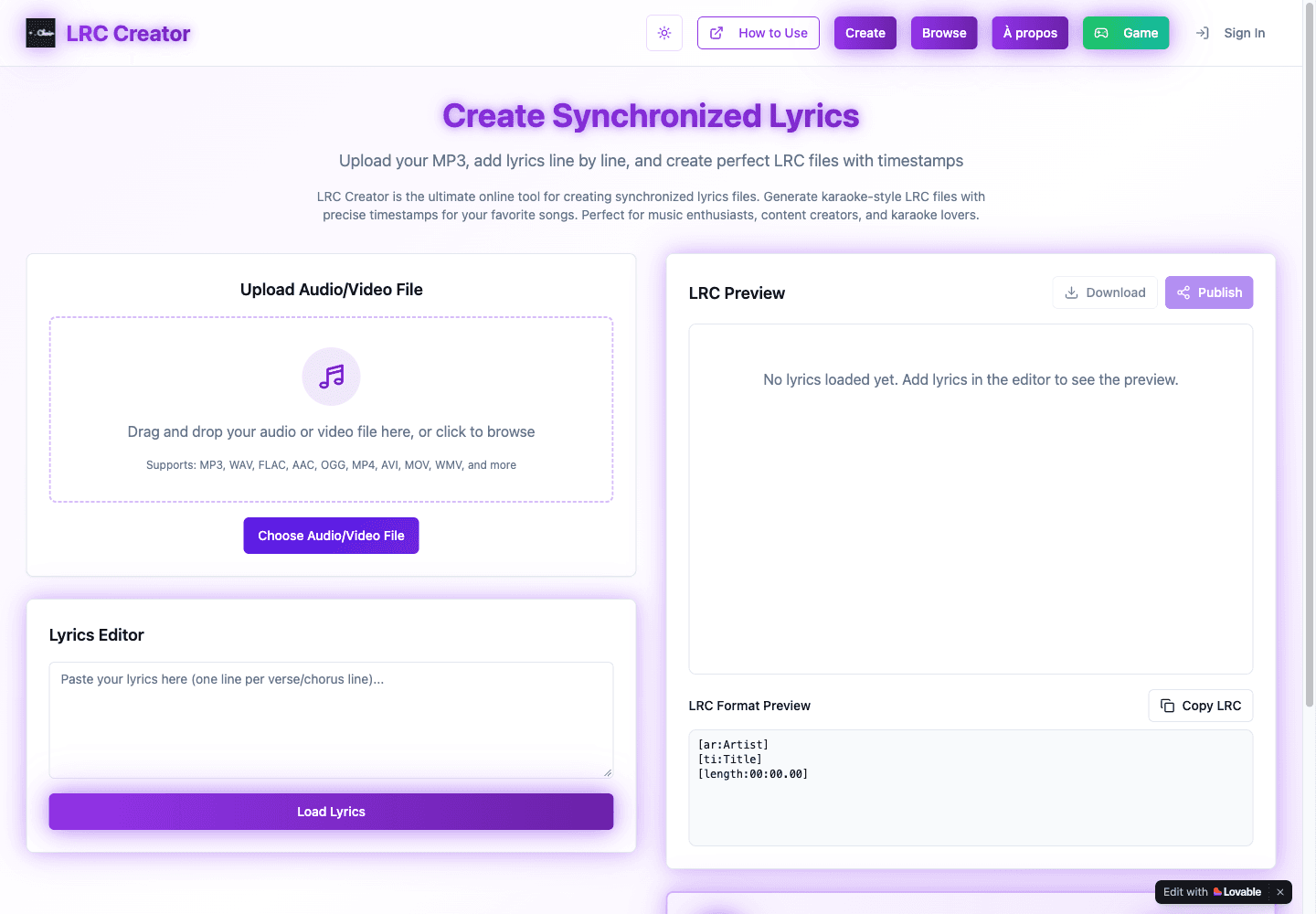
Create timestamped LRC lyrics with a media player, line editor, and format preview.
- All time
- — views
- — clicks
- Last 30 days
- — views
- — clicks
Loading activity…
What is LRC Creator?
Key Features
Audio/video file chooser with multiple advertised formats
Line-by-line lyrics editor with timestamp assignment
Media player with playback-speed controls
Synchronized lyric preview and readable LRC format preview
Copy and download controls, plus separate browse and sign-in areas
Use Cases
- Prepare timed lyrics for a karaoke player
- Create an LRC sidecar for audio you have permission to use
- Review or adjust line timing while listening to a track
How to Use LRC Creator
- 1Choose an audio or video file that you own or may use
- 2Paste lyrics with one line per entry and select Load Lyrics
- 3Play the media and assign each line a timestamp
- 4Inspect the complete format preview, metadata, and any additional lines
- 5Copy or download the result and check it in the intended player
Best For
FAQ
What is an LRC generator used for?
It creates a text file pairing lyric lines with playback timestamps for compatible lyric or karaoke players.
Is LRC Creator free and account-free?
The site labels the generator free. Basic file selection, lyric entry, and timestamp creation worked without signing in; separate sign-in and publish features exist.
Does it automatically transcribe a song?
The verified workflow uses pasted text and manual timestamp controls. Automatic speech recognition or lyric transcription was not confirmed.
Does the output need editing?
Yes. The sample format preview included default metadata and an extra Abonne-toi line after the supplied lyrics. Inspect the complete result before use.
Which files can I choose?
The page lists formats including MP3, WAV, FLAC, AAC, OGG, MP4, AVI, MOV, and WMV. A short WAV was used for the basic check; compatibility with every advertised format was not tested.
