
Loom
One video is worth a thousand words — record your screen and camera, then share AI-enhanced video messages.
- All time
- — views
- — clicks
- Last 30 days
- — views
- — clicks
Loading activity…
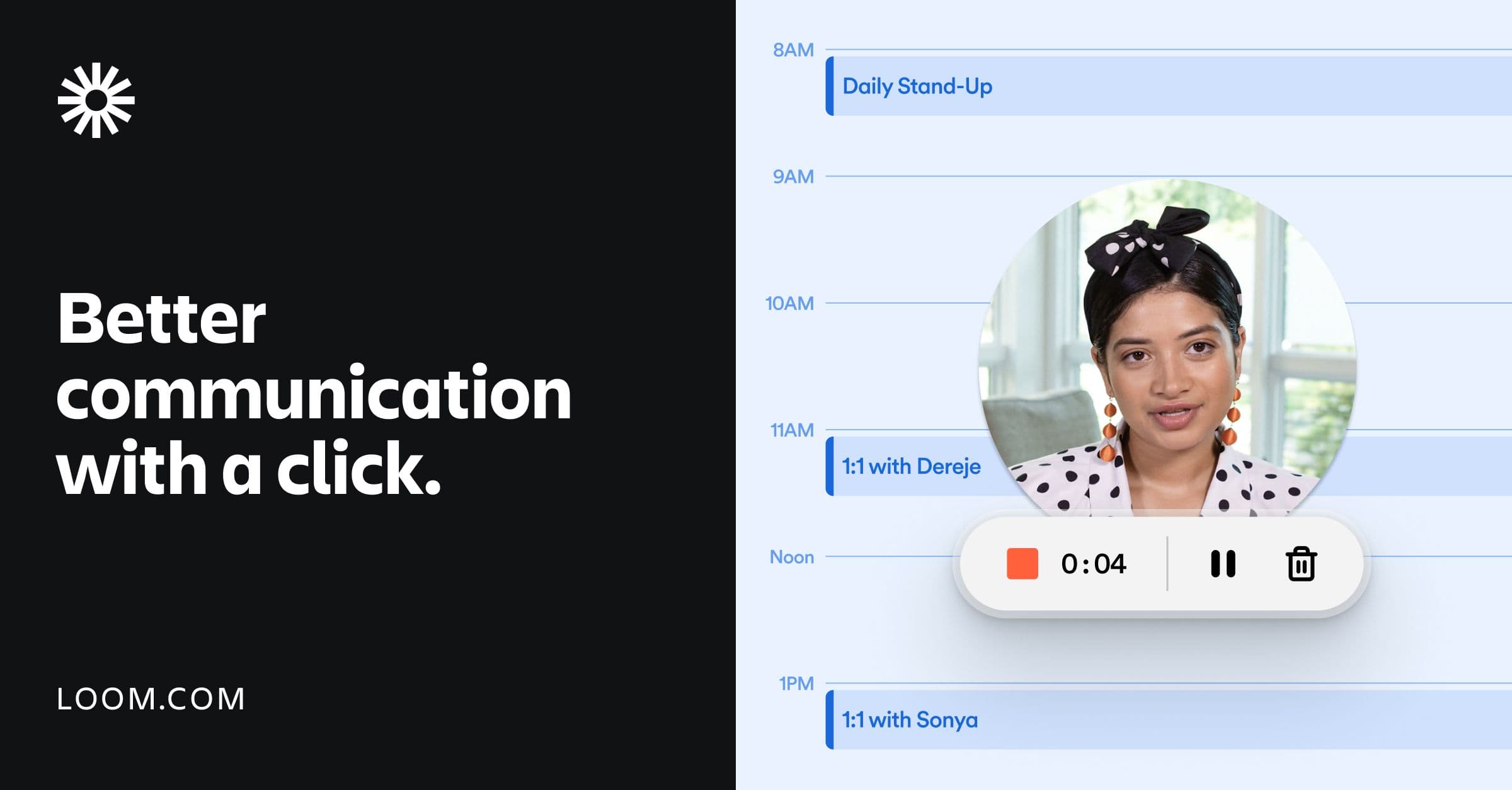
What is Loom?
Key Features
Screen and camera recording via extension, desktop, and mobile apps
Automatic transcriptions and captions in 50+ languages
Editing: trim, stitch, backgrounds, text, and arrows
Embeds and sharing across 300+ tools (Slack, Jira, Figma, Salesforce)
AI features: video-to-text, auto meeting recaps, and Jira bug reports
Use Cases
- Async standups and updates for distributed teams
- Recording product walkthroughs and tutorials
- Explaining bugs or feedback with screen + voice
- Embedding demo videos in docs, tickets, and CRMs
How to Use Loom
- 1Install the Chrome extension or desktop/mobile app
- 2Record your screen and camera in one click
- 3Let Loom auto-transcribe and trim as needed
- 4Share the link or embed it in your tools
Best For
FAQ
Is Loom free?
Loom's free Starter plan includes 25 videos with five-minute screen recordings, transcriptions, and comments. Business is $18/user/month for unlimited videos; Business + AI is $24/user/month.
What platforms does Loom support?
Loom works on Mac, Windows, iOS, Android, and as a Chrome browser extension, so you can record from desktop or mobile.
Does Loom transcribe videos?
Yes. Loom automatically generates transcriptions and closed captions in 50+ languages, and AI can convert recordings into text and meeting recaps.
