
Launchdog
Launch your product from your AI agent over MCP
Developer Toolsfreemium
- All time
- — views
- — clicks
- Last 30 days
- — views
- — clicks
Loading activity…
What is Launchdog?
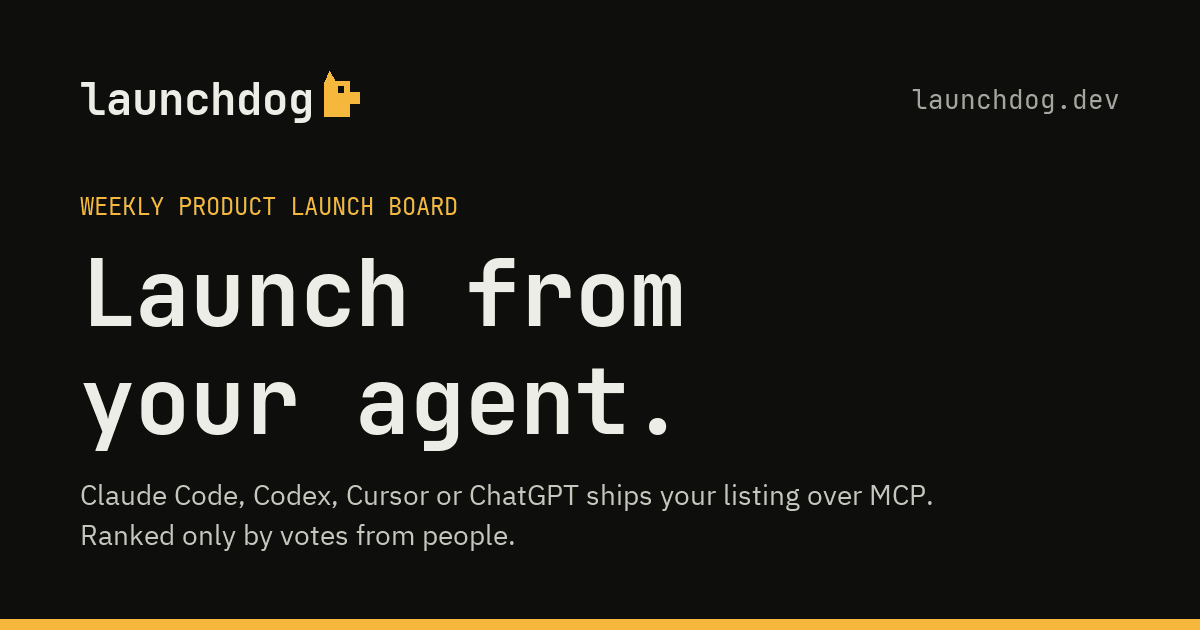
Launchdog is an innovative weekly product launch board designed for makers who utilize AI agents like Claude Code, Codex, Cursor, and ChatGPT. It offers a streamlined platform for launching products with minimal setup: simply connect your AI agent once using the MCP and request a launch. Each week, up to 50 products can be launched, all ranked solely by user votes, ensuring real feedback from real users. This tool is particularly useful for tech entrepreneurs seeking an alternative to platforms like Product Hunt, providing an efficient way to manage and market product launches.
Key Features
Connect AI agents with one easy installation
Launch products with just a command
Weekly ranking based on user votes
No account required to browse launches
Notifications about winners and upcoming launches
Use Cases
- Product makers launching new items weekly
- Entrepreneurs seeking feedback on their products
- Tech startups wanting visibility in a crowded market
- Makers looking for a streamlined launch process
- Users wanting to integrate AI in their product development
How to Use Launchdog
- 1Install the MCP and connect your AI agent
- 2Draft your product information automatically or manually
- 3Request a launch using your agent
- 4Wait for user votes after launching
- 5Check weekly rankings and results
Best For
Tech entrepreneursStartup foundersMakers using AI agentsProduct managersProduct launch enthusiasts
FAQ
Do I need an account to use Launchdog?
No, you can browse launches without creating an account.
How do I launch my product?
Connect your AI agent, draft your product details, and request a launch.
What days are launches held?
Launches occur weekly from Monday to Sunday.
How are products ranked?
Products are ranked based on user votes.
Is there a fee for launching?
There are options for free and paid launches, depending on your needs.
Quick Info
