Key & BPM Lab
Free tools for music key, BPM analysis, and audio editing.
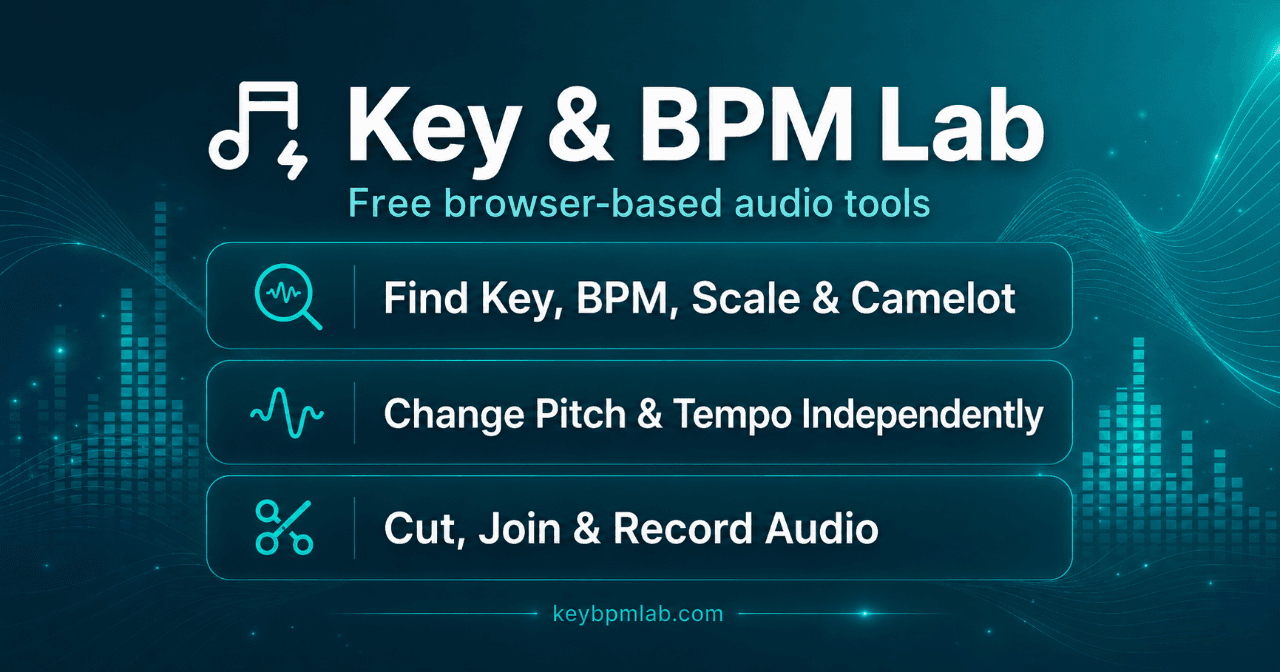
Find musical key and BPM of audio files.
Change pitch or tempo without distortion.
Cut and join audio files directly in browser.
No account required for basic features.
Supports multiple audio formats.
- Identifying the key and tempo of songs for covers.
- Editing audio files for podcasts or videos.
- Practicing music timing with a metronome.
- Recording vocal tracks for music projects.
- Changing the pitch of songs for better performance.
- 1Visit the Key & BPM Lab website.
- 2Select the tool you need (e.g., BPM Finder, Audio Cutter).
- 3Upload your audio file or use the tap feature to get BPM.
- 4Follow on-screen instructions to analyze or edit your audio.
- 5Download or export your files directly in your browser.
Are the audio tools free?
Yes. The current Key & BPM Lab tools are free to use and do not require an account.
Do you upload or save my songs?
It depends on the tool; many process files locally while some use cloud features.
Should I use the BPM Finder or BPM Tapper?
Use the Finder for audio files and the Tapper for live sources or manual counting.
Which audio formats are supported?
Common formats include MP3, WAV, M4A, AAC, OGG, and FLAC.
Do the tools work on phones and tablets?
The lighter tools work in modern mobile browsers, but large files may perform better on desktops.

Related Tools
More active tools in AI Tools.
Banana AI
Banana AI is a free AI image and video generation platform. Transform photos, create cinematic videos, apply styles, background removal, and restoration—fast and easy.
BG Remove Pro
Remove backgrounds from images instantly with our free AI tool. Get perfect transparent backgrounds in seconds - no signup required. Supports JPG, PNG, WebP formats.

Wan 2.6 AI Video Generator | JXP
DealWan 2.6 generates AI videos from text or images with multi-shot storytelling, reference video control, and native audio sync.

Editimg AI
Transform your images with Editimg AI, the most advanced ai image editor. Edit photos online with AI-powered tools for style transfer, background removal, object replacement, and more.