ImgUnblur
Unblur image instantly with ImgUnblur's powerful AI technology. Free online tool to enhance and sharpen your photos. Perfect for photographers, designers, and content creators.
- All time
- — views
- — clicks
- Last 30 days
- — views
- — clicks
Loading activity…
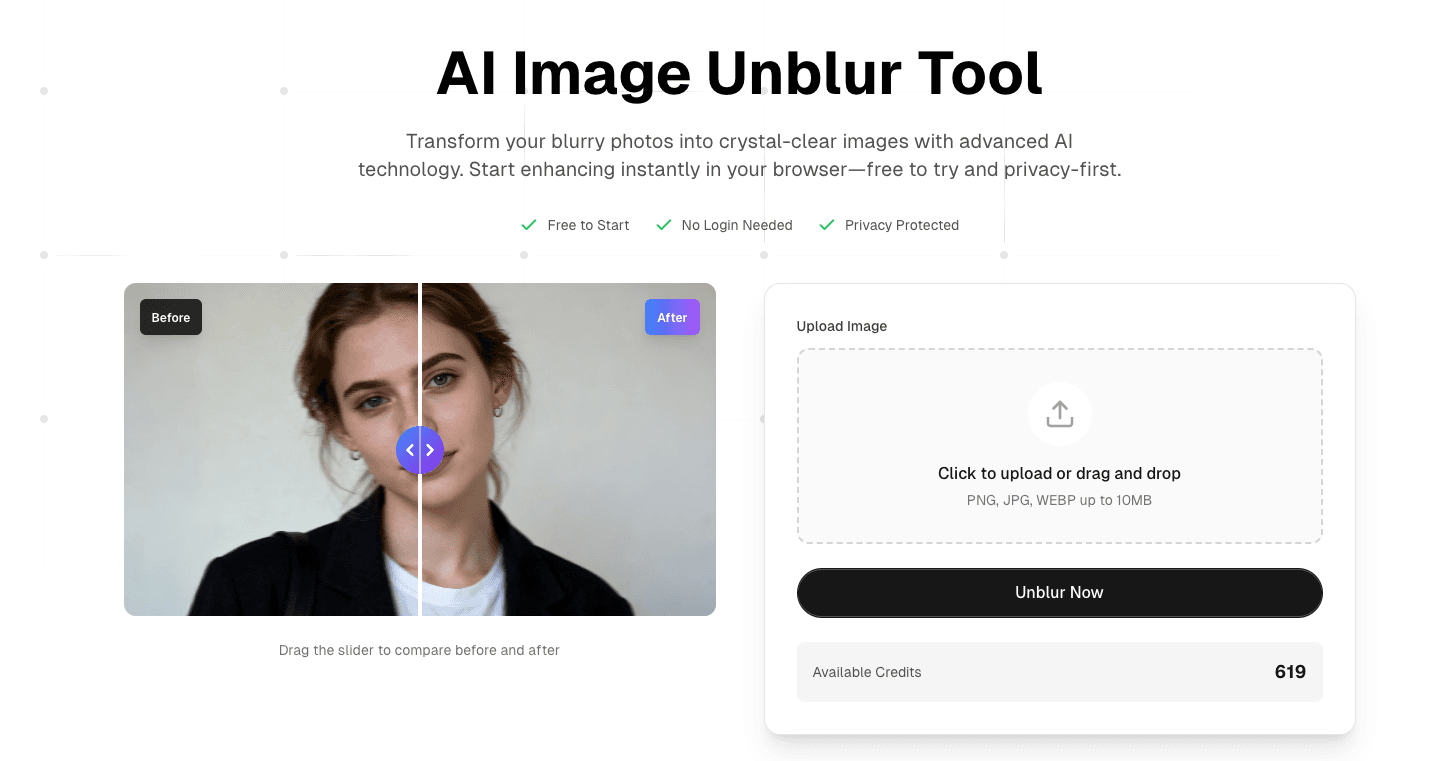
What is ImgUnblur?
Key Features
How to Unblur an Image with AI?
Why Choose imgunblur AI Unblur Tool?
Batch Processing for Up to 30 Images
Perfect for Every Photo Enhancement Need
Ready to Unblur Your Images?
Use Cases
- Evaluate ImgUnblur for design workflows
- Use ImgUnblur for the main workflow described on the official website
- Compare ImgUnblur with similar design products before choosing a workflow
How to Use ImgUnblur
- 1Open the official ImgUnblur website.
- 2Review the homepage details, examples, or onboarding flow to confirm it fits your task.
- 3Start with the main web app workflow and provide the required input or setup information.
- 4Check the output or result, then adjust settings based on your use case.
Best For
FAQ
What is ImgUnblur?
Unblur image instantly with ImgUnblur's powerful AI technology. Free online tool to enhance and sharpen your photos. Perfect for photographers, designers, and content creators.
How do I start using ImgUnblur?
Visit the official website, review the available workflow, and start from the main web app experience.
Is ImgUnblur free?
The official website includes free-related wording, but you should check the current pricing page before deciding.
