
ImageGenerator
Create and edit AI images with multiple models
AI Toolsfreemium
- All time
- — views
- — clicks
- Last 30 days
- — views
- — clicks
Loading activity…
What is ImageGenerator?
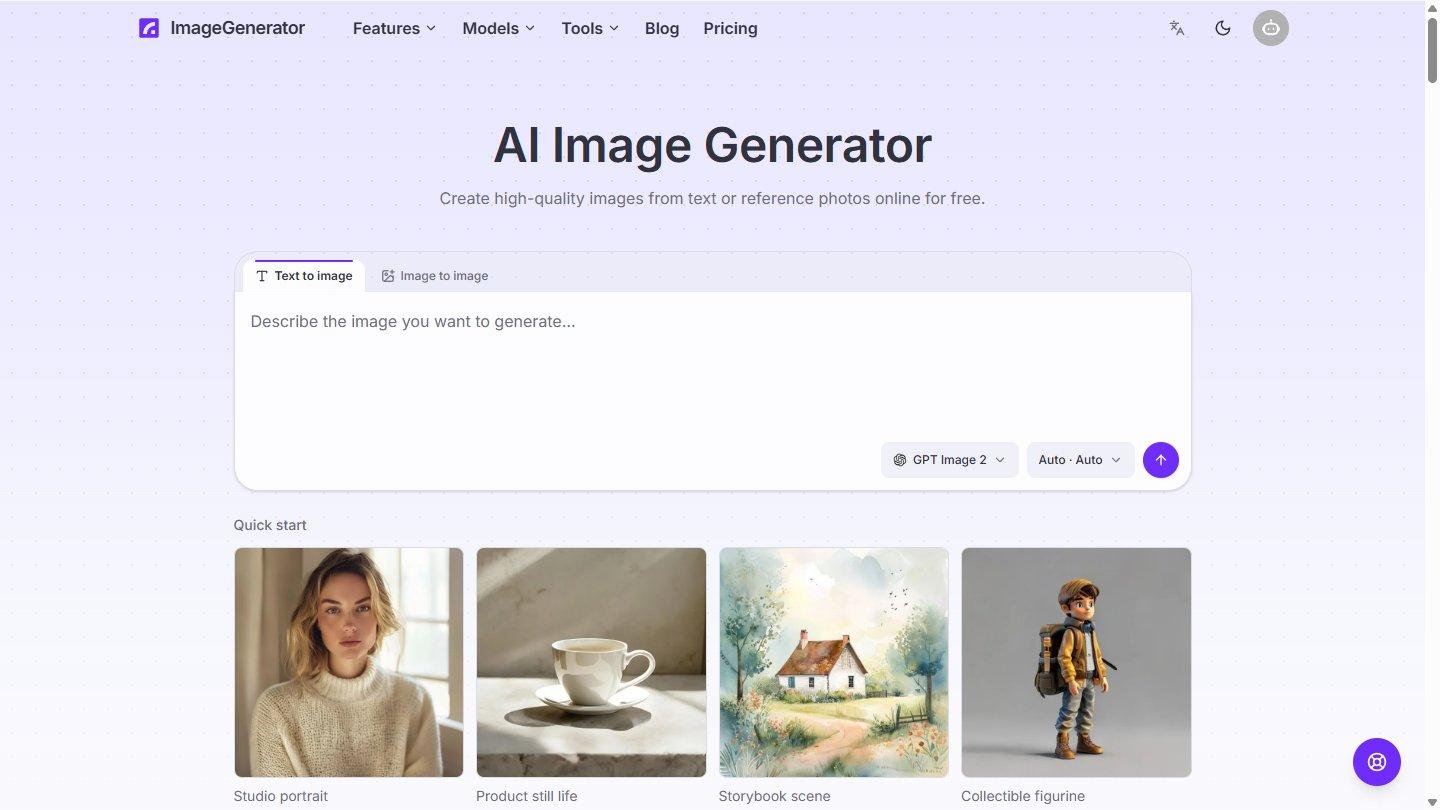
ImageGenerator is an online AI platform for creating and editing images from text prompts and reference photos. It serves casual creators, designers, marketers, and ecommerce teams working on illustrations, product shots, marketing visuals, posters, packaging, and campaign concepts.
Generate images from plain-language descriptions or upload an existing image to change its style, setting, lighting, composition, or subject. Switch between multiple image models in one interface, including GPT Image 2, GPT Image 2.5 Flare, GPT Image 2.5 Sunburst, Seedream 5.0 Pro, Nano Banana 2, and Nano Banana Pro. Supported workflows include readable text in images, reference-guided editing, and iterative refinement.
Choose an aspect ratio before generating, including 1:1, 16:9, 9:16, 4:3, and 3:4. Results are saved with their prompts and models in a private image library for full-resolution download, prompt reuse, and further editing.
Additional image tools include background removal with transparent PNG output, 2x and 4x upscaling, image expansion, and style transfer. The platform runs in a browser without installing software, providing a GPU, or bringing an API key.
New users receive free welcome credits. Paid subscriptions and credit packs provide additional credits.
Key Features
Text-to-image generation
Image-to-image transformation
Multiple AI image models
Readable text in generated images
Aspect ratio control
Use Cases
- Generate illustrations from text prompts
- Create marketing and ecommerce visuals
- Remove backgrounds and upscale images
How to Use ImageGenerator
- 1Open the website and sign in
- 2Choose an image model and enter a prompt or reference image
- 3Generate or edit the image and download the result
Best For
DesignersMarketersEcommerce teams
FAQ
What does ImageGenerator do?
It generates and edits images from prompts and reference photos.
Does it require installation?
No, it runs in a web browser.
Does it have free access?
New users receive welcome credits; additional credits are available through paid plans.
Tags
Quick Info
