
GitHub Copilot
AI coding assistance with editor completions, chat, agents and separately metered GitHub code review.
- All time
- — views
- — clicks
- Last 30 days
- — views
- — clicks
Loading activity…
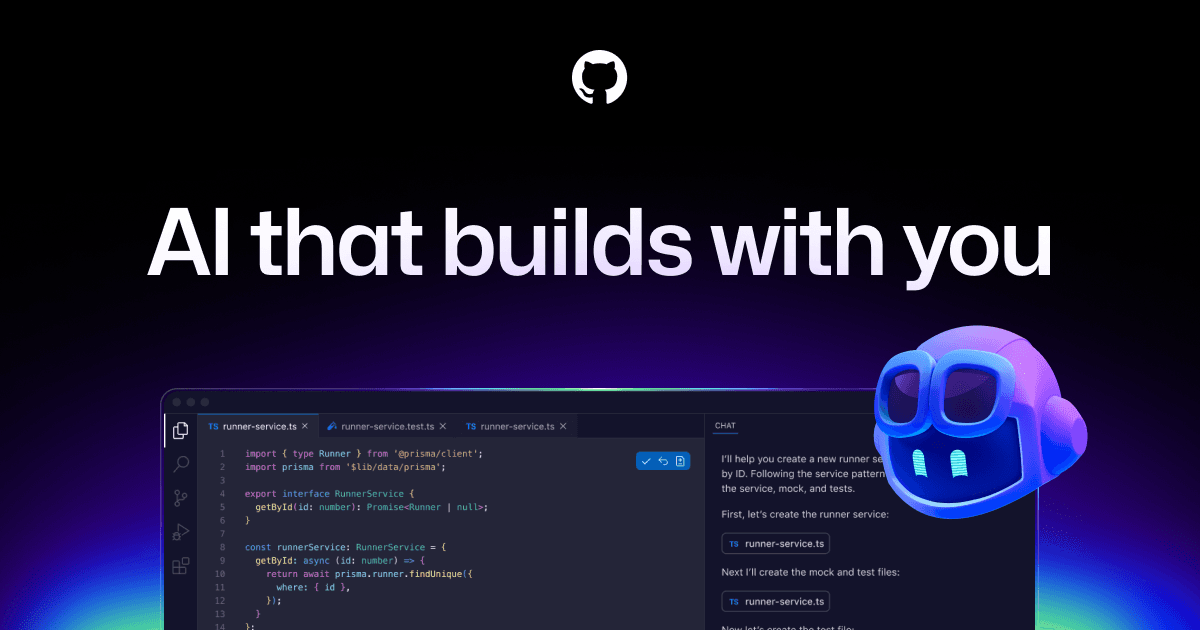
What is GitHub Copilot?
Key Features
Inline code completions trained for dozens of languages
Copilot Chat with codebase-aware answers in the editor and on GitHub
Agent mode for multi-file edits and task-level changes
Choice of frontier models (GPT, Claude, Gemini)
Pull request summaries and AI code review on GitHub
Pull-request review inside GitHub
Requested and automatic review modes
Repository and organization review controls
Configurable review on new pushes
Client-specific BYOK and local/custom model endpoints; check plan and policy
Use Cases
- Speed up day-to-day feature work with inline completions
- Ask questions about an unfamiliar codebase without leaving the IDE
- Delegate repetitive multi-file refactors to agent mode
- Draft tests, docstrings, and commit messages automatically
- Requested and configurable automatic GitHub pull-request review, including optional review on new pushes and configurable approval behavior.
- Evaluating review support for GitHub.com; Azure Repos public preview with separate prerequisites and billing
How to Use GitHub Copilot
- 1Install the Copilot extension in VS Code, JetBrains, or your editor of choice
- 2Sign in with your GitHub account to activate the free tier
- 3Accept inline suggestions with Tab, or open Copilot Chat for questions
- 4Upgrade to Pro when you hit the free tier's monthly limits
- 5Confirm Git-provider, repository-visibility and plan requirements
- 6Configure the documented integration with scoped repository permissions
- 7Set review instructions, trigger frequency and spending controls
- 8Test useful findings, reruns, skipped reviews and actual usage on the same PR set
Best For
FAQ
Is GitHub Copilot free?
Copilot has a general free plan for eligible coding features, but Copilot Free excludes code review. The current monthly Pro plan is $10/user/month with AI credits shared across metered activity. Review and applicable Actions usage follow the account billing policy.
Which editors does Copilot support?
VS Code, Visual Studio, JetBrains IDEs, Neovim, Xcode, and the GitHub CLI, plus Copilot Chat directly on github.com and in the mobile app.
Can Copilot use models other than OpenAI's?
Yes. Copilot lets you pick between models from OpenAI, Anthropic (Claude), and Google (Gemini) for chat and agent tasks, depending on your plan.
Who should evaluate GitHub Copilot code review?
GitHub teams already using Copilot and wanting review within their existing workflow. Avoid it if: You expect Copilot Free to include PR review or require the same billing route across multiple Git hosts.
Is GitHub Copilot code review free?
Copilot Free excludes code review. An organization can enable review for users without an eligible seat and pay for their usage; this is not free access.
Tags
Quick Info

Looking for GitHub Copilot alternatives?
Compare 2 hand-picked alternatives by pricing, free plans, and open-source availability.
Compare GitHub Copilot side by side
In-depth, editor-written comparisons with a clear verdict.
Related Tools
More active tools in AI Tools.
Cursor
AI coding editor with CLI and JetBrains routes; current and legacy plans differ.
GhostInterview
Real-time AI help for coding, system design, and OOD interviews. Native stealth overlay stays invisible on Zoom, Meet, Teams, LeetCode, and CoderPad.
Devin Desktop (formerly Windsurf)
AI-native editor and command center for local and cloud coding agents, formerly Windsurf.

OpenHands
Agent Canvas and execution backends for local, self-hosted or managed coding work.