FixMyPDF
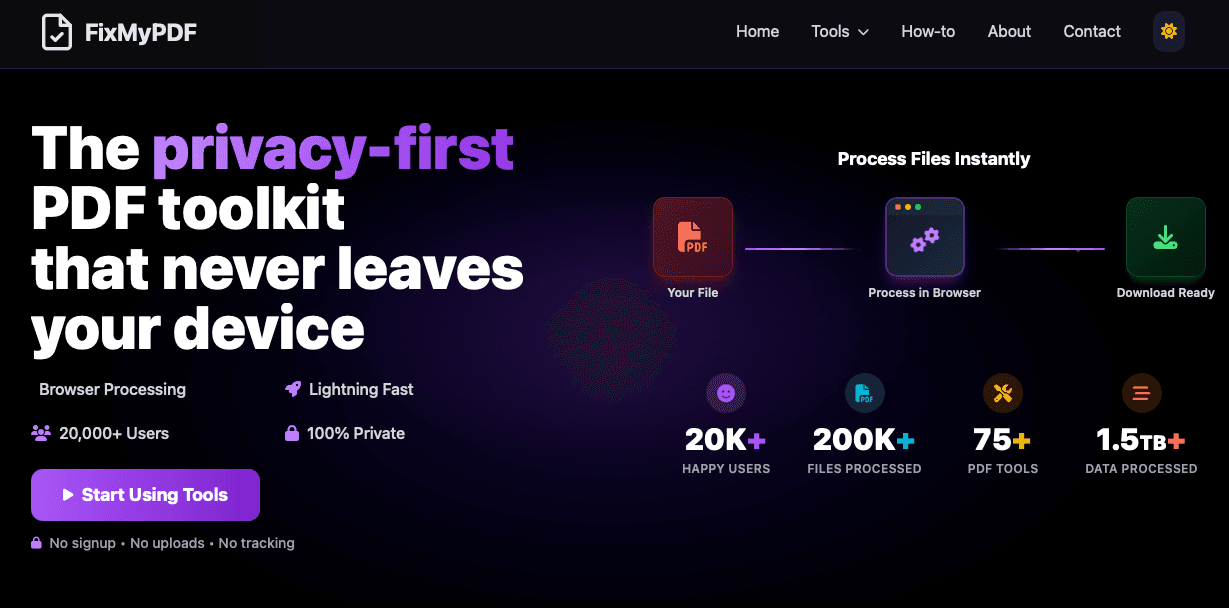
Free online PDF toolkit with 75+ tools. Split, merge, compress, convert, and edit PDFs directly in your browser. 100% private, secure, and free.
- All time
- — views
- — clicks
- Last 30 days
- — views
- — clicks
Loading activity…
Choose Your Tool
Convert to PDF
Convert from PDF
Organize
Edit Pages
- Evaluate FixMyPDF for productivity workflows
- Use FixMyPDF for the main workflow described on the official website
- Compare FixMyPDF with similar productivity products before choosing a workflow
- 1Open the official FixMyPDF website.
- 2Review the homepage details, examples, or onboarding flow to confirm it fits your task.
- 3Start with the main web app workflow and provide the required input or setup information.
- 4Check the output or result, then adjust settings based on your use case.
What is FixMyPDF?
Free online PDF toolkit with 75+ tools. Split, merge, compress, convert, and edit PDFs directly in your browser. 100% private, secure, and free.
How do I start using FixMyPDF?
Visit the official website, review the available workflow, and start from the main web app experience.
Is FixMyPDF free?
The official website includes free-related wording, but you should check the current pricing page before deciding.

Related Tools
More active tools in Productivity.

Cold Turkey
Reclaim your attention — a serious website and app blocker that's hard to bypass.

SpeedyShare
Upload a file, share the QR code or 6-digit link — done in seconds. No account, no app. Files auto-delete after 30 minutes. iPhone, Android, Mac, Windows.

SpeedyShare - Easy, free file sharing
Upload a file, share the QR code or 6-digit link — done in seconds. No account, no app. Files auto-delete after 30 minutes. iPhone, Android, Mac, Windows.

Paste365 - Temporary Paste
Paste365 Clipboard is a free online text paste tool that supports temporary text pasting, can be permanently stored in the browser, JSON string formatting, and auto-saving. Quickly store code, notes, and text snippets; a.