Fig0
AI Scientific Figure Maker that Minimizes Manual Effort
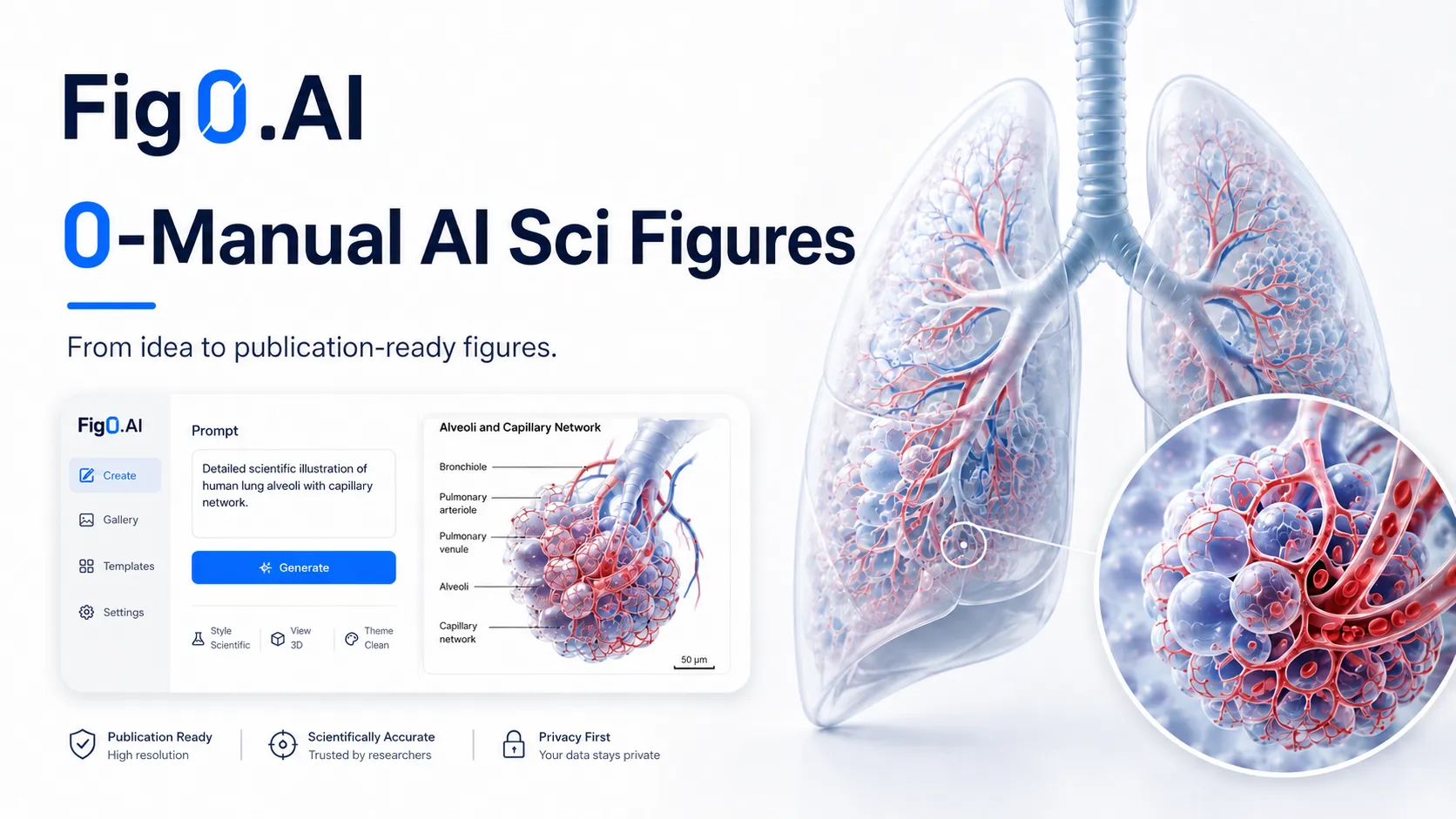
Text-to-Figure generation
Editable vector export
Supports multiple input formats
High-resolution output
Infinite canvas for refinement
- Creating publication-ready figures from sketches
- Refining figures based on reviewer feedback
- Generating illustrations for educational materials
- Designing graphics for presentations
- Exporting figures in various formats for collaboration
- 1Visit the Fig0 website and select your input type.
- 2Upload your text, sketch, or reference image.
- 3Generate a draft figure and refine details using the infinite canvas.
- 4Edit and adjust figures as needed for publication.
- 5Export the finished figure in your preferred format.
What types of input does Fig0 support?
Fig0 supports text descriptions, sketches, reference images, PDFs, and existing figures.
Can I edit the figures after generation?
Yes, Fig0 allows extensive editing and refinement of figures after they are generated.
What export formats are available?
Export options include SVG, PPTX, PDF, PNG, and high-DPI TIFF.
Is Fig0 free to try?
The pricing model is not clearly stated, so it is advisable to check the website for details.
Can Fig0 be used for non-scientific figures?
Fig0 is primarily designed for scientific illustrations, so its features may not cater to general graphic design needs.

Related Tools
More active tools in AI Tools.
Banana AI
Banana AI is a free AI image and video generation platform. Transform photos, create cinematic videos, apply styles, background removal, and restoration—fast and easy.

BG Remove Pro
Remove backgrounds from images instantly with our free AI tool. Get perfect transparent backgrounds in seconds - no signup required. Supports JPG, PNG, WebP formats.

Wan 2.6 AI Video Generator | JXP
DealWan 2.6 generates AI videos from text or images with multi-shot storytelling, reference video control, and native audio sync.

Editimg AI
Transform your images with Editimg AI, the most advanced ai image editor. Edit photos online with AI-powered tools for style transfer, background removal, object replacement, and more.