
Everygen
AI video and image generator for YouTube Shorts, UGC-style ads, and social content
- All time
- — views
- — clicks
- Last 30 days
- — views
- — clicks
Loading activity…
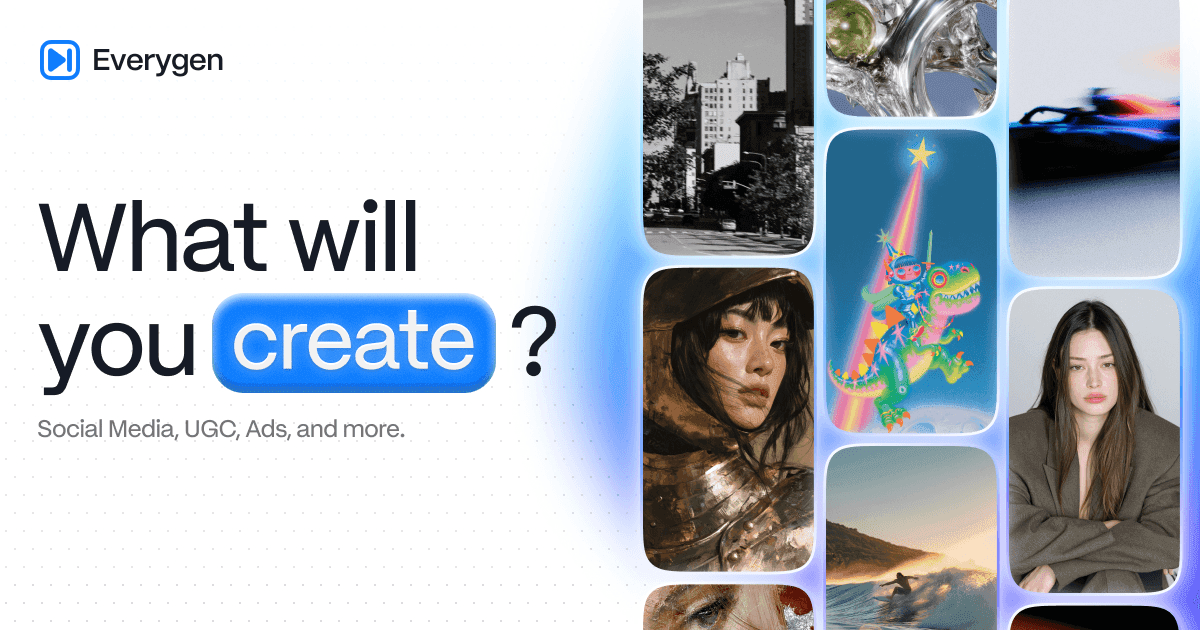
What is Everygen?
Key Features
Text-to-video and image-to-video generation with model-specific reference, duration, aspect-ratio, resolution, and audio controls
AI image generator for product visuals, social graphics, and thumbnails, with supported models accessible in the same workspace
Shorts Studio templates for vertical clips; published output is 6–10 seconds at 720p, depending on the selected format
AI ad generator using a product link or image, a creative brief, and selectable ad formats, avatars, and voices
Scripts, voiceovers, captions, and media imports; an optional MCP connection lets compatible assistants run creation tasks
Use Cases
- Prepare short vertical scenes for YouTube Shorts, TikTok, and Instagram Reels, then review them before posting
- Animate a product image into an advertising scene and compare alternate hooks for the same offer
- Create UGC-style ad drafts for a store or app without arranging a new shoot for every concept
- Generate thumbnail concepts and campaign stills alongside the clips they will accompany
- Add narration or captions to a project using uploaded material that you have permission to process
How to Use Everygen
- 1Visit everygen.ai, open Get started, and sign in or create an account; confirm the subscription and billing period before paying
- 2Choose video generation, image generation, Shorts Studio, or the ad workflow according to the asset you need
- 3Write a prompt, select a format, or supply a product link; upload only references and footage you have permission to use
- 4Choose the available model and output settings, inspect the credit quote, and generate an initial version
- 5Review imagery, claims, sound, captions, and source permissions; revise if needed, then export and check the destination's publishing rules
Best For
FAQ
What is the official Everygen AI website, and is it the same as Viewmax?
The official website is everygen.ai, operated by Viewmax LLC. Viewmax was renamed Everygen; the rebrand announcement says existing accounts, subscriptions, credits, and projects remain available. For Everygen login, start at the official homepage and use Get started. The company states that similarly named domains such as everygen-ai.com and everygenai.io are unrelated services, so check the domain before signing in or paying.
Is Everygen AI free to use?
No. The official product guide explicitly says there is no free plan, and the pricing page lists paid subscriptions. An account registration or a public generator screen does not establish free generation access. Offers on other similarly named websites belong to those services. Check the current official pricing and checkout before purchasing; this listing does not promise a free trial, free credits, or unlimited generation.
How does Everygen pricing work, and what do credits cover?
Checked November 17, 2026: Starter is $24/mo or $9/mo billed $108 annually, with 200 credits/month. Pro is $49/mo or $19/mo billed $228 annually, with 500 credits/month. Creator is $139/mo or $49/mo billed $588 annually, with 1,000 credits/month. Plan credits reset monthly without rollover; purchased top-ups last 90 days. Generation, voiceover, captions, and exports can consume credits. Model and settings affect cost; check the displayed quote and current plan limits.
What can I make with Everygen Shorts Studio?
Shorts Studio makes vertical clips from selectable formats and a short creative direction, with the tool expanding that direction into a generation prompt. Examples include animated scenes, ranking videos, and nature clips. The official page lists 6–10-second clips at 720p, depending on format. This limit applies to Shorts Studio, rather than every video model. Review any synthetic footage before publishing and follow the destination platform's disclosure rules.
Can I use generated videos and ads commercially?
The pricing FAQ allows monetizing generated videos. The Terms still require rights to uploaded material and permission for any person's likeness or voice. You must review outputs and follow applicable law, publishing policies, and synthetic-media disclosure requirements. Generated UGC-style ads should not imply an authentic customer endorsement. Commercial permission does not guarantee originality, copyright protection, platform acceptance, or advertising results.
Quick Info

Related Tools
More active tools in AI Tools.
Pika Labs
Create reality-bending AI videos — turn photos and selfies into shareable clips with playful effects.

Wan 2.6 AI Video Generator | JXP
DealWan 2.6 generates AI videos from text or images with multi-shot storytelling, reference video control, and native audio sync.

Infinite Talk AI
DealCreate seamless, audio-driven videos with InfiniteTalk AI. Synchronize lips, head, body, and expressions for unlimited-length dubbing. Try now for powerful, lifelike results!

Waver AI
DealWaver AI is an advanced text-to-video & image-to-video tool that transforms words into high-quality videos. Waver 1.0 delivers cinematic 1080p quality with superior motion modeling. Try Waver 1.0 now!