
CleanNoise
Clean noisy recordings, no sign-up needed
AI Toolsfreemium
- All time
- — views
- — clicks
- Last 30 days
- — views
- — clicks
Loading activity…
What is CleanNoise?
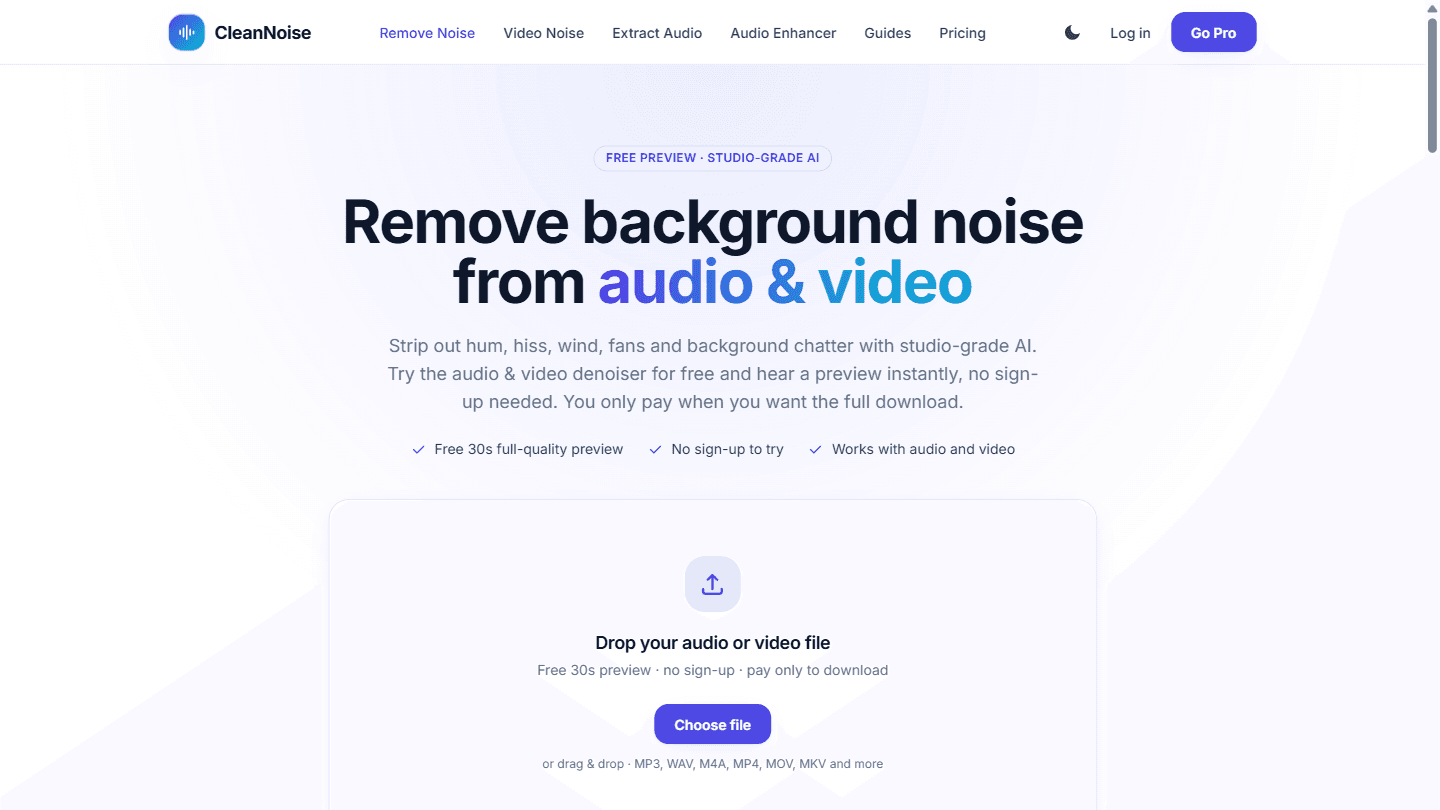
CleanNoise is an online AI tool that removes background noise from audio and video. Drop in a file (MP3, WAV, M4A, MP4, MOV, MKV and more, up to 60 minutes / 500 MB) and the AI detects the noise automatically, suppresses hum, hiss, wind, fans, traffic and background chatter, and restores voice clarity, so there is no need to select a silent noise sample by hand. You hear a free 30-second preview at full quality with no sign-up, and only pay when you want the complete file: $0.99 per file (up to 30 minutes) with no account, prepaid credit packs, or a Pro plan with 15 hours of processing per month, batch processing and history. Beyond noise removal, CleanNoise includes an audio enhancer for quiet or muffled recordings, an optional echo and reverb remover, and an extract-audio-from-video tool. It is built for podcasters, video creators, remote workers, students and researchers, musicians, and support or sales teams who need clearer recordings. Uploaded files are used only to produce the cleaned result and are deleted within 48 hours.
Key Features
AI removes hum and hiss and wind and chatter
Free 30-second full-quality preview
Works on audio and video files
Echo removal and audio enhancer
Extract clean audio from video
Use Cases
- Clean up podcast and interview recordings
- Remove wind noise from outdoor video
- Fix noisy Zoom or Teams call recordings
- Improve lecture and voiceover audio
How to Use CleanNoise
- 1Upload an audio or video file in your browser
- 2Listen to the free 30-second cleaned preview
- 3Download the full cleaned file from $0.99
Best For
PodcastersVideo creatorsRemote workersStudents and researchers
FAQ
Is CleanNoise free?
You get a free 30-second full-quality preview with no sign-up; full downloads start at $0.99 per file.
Does it work on video?
Yes, it cleans the audio track of MP4, MOV, MKV and other video files.
What happens to my files?
Uploads are used only to produce the cleaned result and are deleted within 48 hours.
Quick Info

Related Tools
More active tools in AI Tools.

LTX 2.3 AI Video Generator
Create stunning videos with LTX 2.3 online — the open-source DiT model supporting 4K resolution, synchronized audio, and 9:16 portrait mode.
PaidAIVideo Editing+1

