
CC Switch
Desktop control center for switching providers and managing configs across AI coding tools.
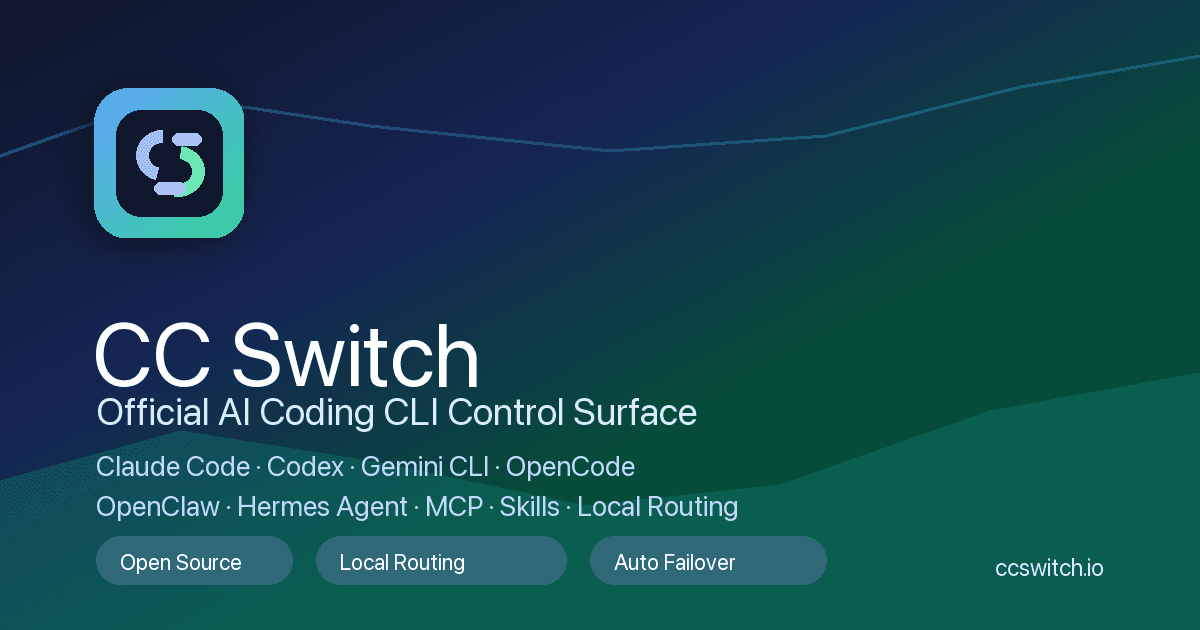
Unified provider switching for Claude Code, Codex, Gemini CLI, OpenCode, OpenClaw, and Hermes Agent
Management interface for MCP servers, skills, prompts, proxy settings, and local routing
Session and usage statistics to understand how AI coding tools are being used
Cross-platform desktop app for macOS, Windows, and Linux
Open-source MIT-licensed project with source code available on GitHub
- Switch between AI coding providers without manually editing each CLI configuration
- Keep MCP servers, skills, prompts, and proxy settings organized across coding agents
- Separate work, personal, and experimental provider profiles on the same machine
- Monitor usage across multiple AI coding tools from one desktop control center
- Standardize AI coding workflow setup for developers who use several agent CLIs
- 1Download the CC Switch desktop app for your operating system from the official website or GitHub releases
- 2Add provider credentials and profiles for the AI coding tools you use
- 3Configure MCP servers, skills, prompts, local routing, and proxy settings in one place
- 4Switch profiles before launching your coding CLI or agent workflow
- 5Review session and usage statistics to understand provider usage over time
Is CC Switch free?
Yes. CC Switch is distributed as a free open-source project with source code available on GitHub under the MIT license.
Which AI coding tools does CC Switch support?
The project describes support for Claude Code, Claude Desktop, Codex, Gemini CLI, OpenCode, OpenClaw, Hermes Agent, and related AI coding workflows.
Is CC Switch an AI coding assistant?
No. CC Switch is not the model or coding assistant itself. It is a desktop control center for managing provider configs, MCP servers, skills, prompts, proxies, sessions, and usage across AI coding tools.
Who should use CC Switch?
It is best for developers who move between several AI coding CLIs, maintain multiple provider profiles, or need a cleaner way to manage MCP and skills configuration locally.

Related Tools
More active tools in Developer Tools.
AutoLocalise
Skip translation files & complex setups. AI auto-translates with context and learns from manual updates. Real-time updates, support 100+ languages for React, Python, Next.js & React Native.
Aback Tools
Free online tools for file conversion and productivity enhancement.

Travis CI
Simple, flexible, trustworthy CI/CD — automate testing and deployment straight from your repository.
Insomnia
An open-source API client by Kong — fast request building with Git sync and design-first workflows.