Audjust AI
AI-powered audio editing & music creation tool.
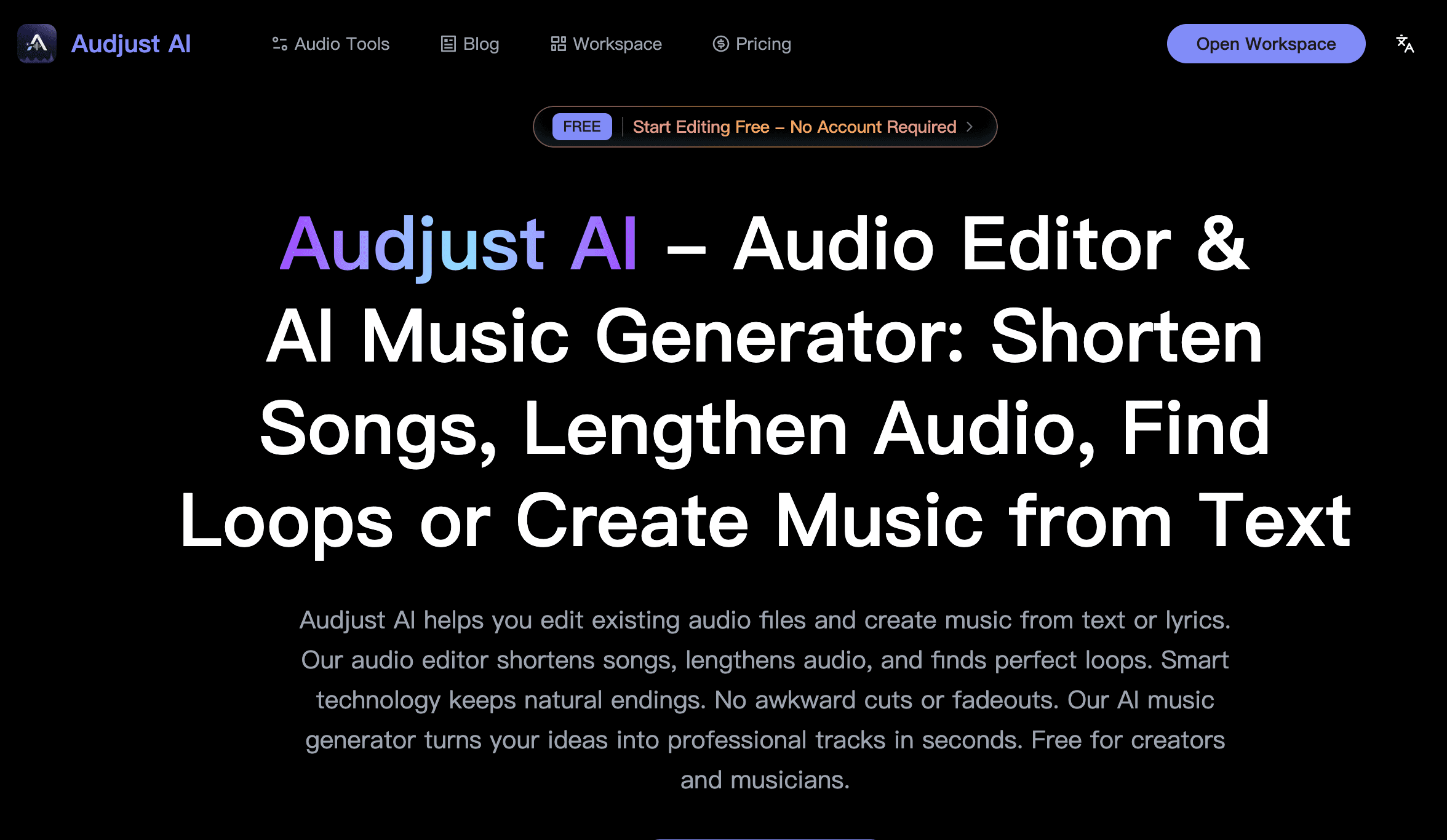
Shorten and lengthen audio tracks effortlessly.
AI-powered loop detection for seamless sampling.
Generate music from text or image inputs.
MIDI editing for advanced customization.
Support for multiple audio formats (MP3, WAV, etc.).
- Creating background music for videos or podcasts.
- Editing tracks for social media content.
- Generating unique soundscapes from visual art.
- Remixing and sampling existing music tracks.
- Customizing music compositions with specific elements.
- 1Visit the Audjust AI website and upload your audio file.
- 2Select the desired editing option (shorten, lengthen, etc.).
- 3Utilize the AI tools for loop detection or music generation from prompts.
- 4Download or save your edited audio tracks after processing.
- 5Experiment with MIDI editing for custom adjustments.
Is there a free version of Audjust AI?
Yes, Audjust AI offers a free tier with limited functionalities.
Can I use my own music for editing?
Absolutely, you can upload your own audio files in multiple formats.
What types of files does Audjust AI support?
Audjust AI supports MP3, WAV, M4A, OGG, and FLAC formats.
Is Audjust AI web-based?
Yes, it operates directly in your web browser.
Do I need an account to start using Audjust AI?
No, you can start using some features without creating an account.

Related Tools
More active tools in AI Tools.
Banana AI
Banana AI is a free AI image and video generation platform. Transform photos, create cinematic videos, apply styles, background removal, and restoration—fast and easy.

BG Remove Pro
Remove backgrounds from images instantly with our free AI tool. Get perfect transparent backgrounds in seconds - no signup required. Supports JPG, PNG, WebP formats.

Wan 2.6 AI Video Generator | JXP
DealWan 2.6 generates AI videos from text or images with multi-shot storytelling, reference video control, and native audio sync.

Editimg AI
Transform your images with Editimg AI, the most advanced ai image editor. Edit photos online with AI-powered tools for style transfer, background removal, object replacement, and more.