- All time
- — views
- — clicks
- Last 30 days
- — views
- — clicks
Loading activity…
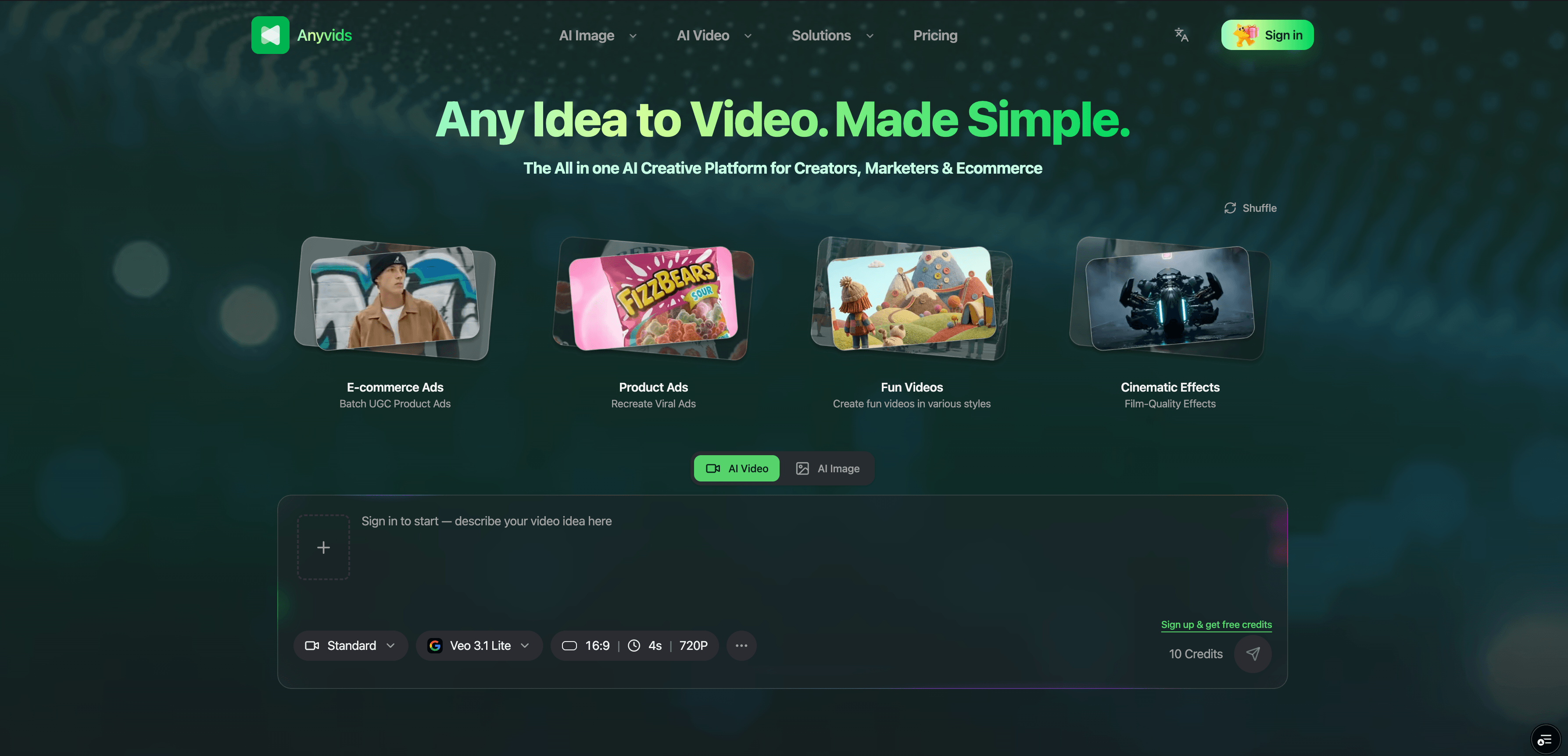
What is Anyvids?
Key Features
Text to Video generation
AI Image generation
Video upscaling and AI avatars
Supports multiple languages
Free trial with no credit card required
Use Cases
- Creating marketing videos
- Generating e-commerce product images
- Producing educational content
- Developing social media visuals
- Crafting promotional material for brands
How to Use Anyvids
- 1Visit the Anyvids website and sign up for an account.
- 2Choose an AI model and select the visual tool you want to use.
- 3Input your prompts for text or image generation.
- 4Customize settings as needed and initiate the rendering process.
- 5Download or share your generated content directly.
Best For
FAQ
What is Anyvids?
Anyvids is a cutting-edge AI video and image creation platform that helps you create high-quality content quickly.
Which AI video generation model is best for beginners?
Seedance on Anyvids is ideal for beginners as it provides high-quality visuals automatically with no technical setup.
Do I need video editing experience?
No! Anyvids is designed for users of all skill levels, handling complex editing automatically.
Is Anyvids free to use?
Yes, Anyvids offers a free plan that allows you to try out its features.
How long does rendering a video take?
Processing time typically ranges between 3 to 5 minutes depending on detail and features used.
Quick Info

Related Tools
More active tools in AI Tools.
Pika Labs
Create reality-bending AI videos — turn photos and selfies into shareable clips with playful effects.

Wan 2.6 AI Video Generator | JXP
DealWan 2.6 generates AI videos from text or images with multi-shot storytelling, reference video control, and native audio sync.
Infinite Talk AI
DealCreate seamless, audio-driven videos with InfiniteTalk AI. Synchronize lips, head, body, and expressions for unlimited-length dubbing. Try now for powerful, lifelike results!

Waver AI
DealWaver AI is an advanced text-to-video & image-to-video tool that transforms words into high-quality videos. Waver 1.0 delivers cinematic 1080p quality with superior motion modeling. Try Waver 1.0 now!